
Discover how Gavel revolutionises Legal Document Generation. Streamline your Legal and Finance workflows today. Start saving time now.
Why Gavel Is a Game-Changer in Legal Document Generation
Most professionals in law and finance waste hours every single week on repetitive paperwork. They copy, paste, and edit the same clauses over and over. It is a slow, expensive drain on resources. It kills productivity and keeps talented people from doing high-value work.
The solution is not working faster. It is working smarter by moving away from manual labour. That is where Gavel comes into play. It automates the creation of complex documents without needing advanced coding skills.
What is Gavel?
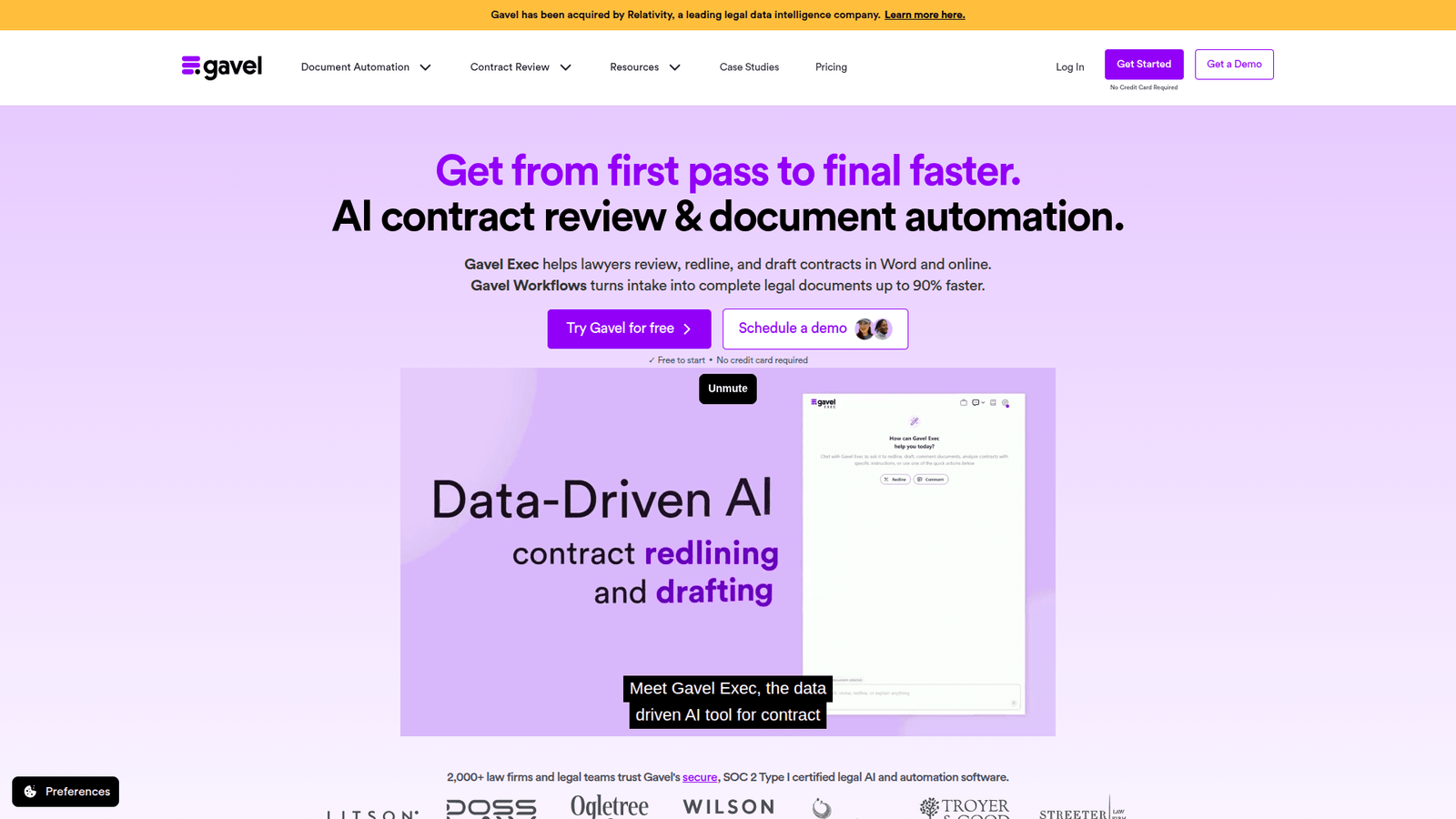
Gavel is a platform designed to turn static documents into smart, automated workflows. You take your existing templates and add logic to them. When you need a new document, you simply answer a few questions in a web form.
The software produces a perfectly formatted file every time. It eliminates the risk of human error associated with manual drafting. It is built for people who need precision and speed in their professional output.
The platform is accessible. You do not need to be a software engineer to build complex automation apps. If you can use a word processor and logical thinking, you can build a Gavel app. It bridges the gap between complex legal needs and user-friendly technology.
Key Features of Gavel for Legal Document Generation
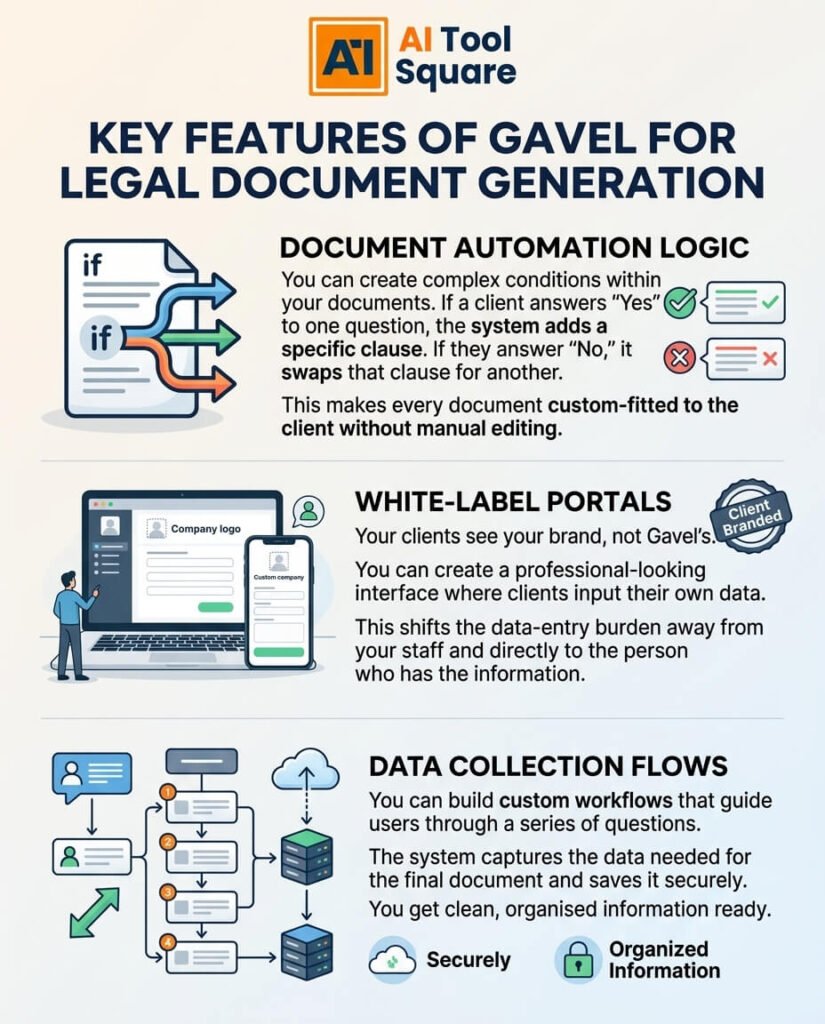
- Document Automation Logic: You can create complex conditions within your documents. If a client answers “Yes” to one question, the system adds a specific clause. If they answer “No,” it swaps that clause for another. This makes every document custom-fitted to the client without manual editing.
- White-Label Portals: Your clients see your brand, not Gavel’s. You can create a professional-looking interface where clients input their own data. This shifts the data-entry burden away from your staff and directly to the person who has the information.
- Data Collection Flows: You can build custom workflows that guide users through a series of questions. The system captures the data needed for the final document and saves it securely. You get clean, organised information ready for review.
Benefits of Using Gavel for Legal and Finance
Speed is the biggest advantage. A process that once took two hours can now take ten minutes. You remove the bottleneck of manual drafting. This allows your team to handle more clients without needing to hire more administrative support.
Quality control becomes automatic. When humans edit documents, they miss typos or forget to update cross-references. Gavel follows your rules every single time. You stop worrying about inconsistent terminology or missed dates in your contracts.
You can also scale your services. If your business model relies on flat-fee services, Gavel makes those services highly profitable. You spend less time producing the product, which expands your margins significantly. It is the definition of scaling by removing manual effort from the production line.
Pricing & Plans

Gavel offers several tiers to suit different business sizes. There is usually a trial period that lets you test the core functionality before committing. You should look at the website for the most current pricing, as they update plans to match market demand.
The entry-level plans allow you to build apps and automate basic workflows. As your needs grow, higher tiers offer more features like custom branding, advanced integrations, and user access controls. The cost-benefit analysis usually shows that the software pays for itself after just a few document cycles.
You are essentially buying back your own time. Compare the monthly cost of a Gavel subscription to the cost of an employee spending ten hours a week on manual drafting. The math makes the decision easy for any owner looking to optimize their operational budget.
Hands-On Experience / Use Cases
Law firms often use it to create intake forms for new clients. Instead of sending a blank PDF, they send a link to a Gavel workflow. The client fills in their details, and the firm receives a ready-to-sign engagement letter instantly.
Financial planners use the platform to generate complex estate planning documents. They input the logic for trusts, wills, and tax structures into the system. When a client meeting ends, the financial planner clicks a button to generate the entire package of documents based on the day’s conversation.
Corporate teams use it to standardise NDAs and service agreements. By creating a template that everyone in the company must use, the legal department ensures that every contract has the same ironclad protections. It removes the ability for staff to send out off-brand or legally risky documents.
Who Should Use Gavel?

Anyone who drafts repetitive documents needs this tool. It is perfect for small law firms that want to compete with larger firms by being faster. It is also excellent for independent consultants who need to manage their own paperwork quickly.
Finance professionals, including accountants and wealth managers, find massive value here. Their workflows involve heavy data entry and constant document updates. Gavel serves as the bridge between their data and their final client deliverables.
Agencies and service providers who issue standard proposals or contracts can also save significant time. If you find yourself typing the same thing more than five times a week, you are wasting time that could be spent growing your business.
How to Make Money Using Gavel
You can turn your internal tools into a revenue stream. By packaging your expertise into a Gavel workflow, you can offer automated services to clients at a lower price point than full-service consulting. You trade your time once to build the tool, then sell the output repeatedly.
Many professionals use Gavel to offer “productised” legal or financial services. Instead of charging by the hour, you charge a flat fee for a specific document package. The high speed of production means your effective hourly rate goes through the roof.
- Automated Document Shops: You can build a public-facing portal where clients purchase and generate their own documents. You provide the legal or financial logic, they provide the data. You collect payment for the value of the document, not the time spent typing it.
- White-Label Consulting: You can build these automation apps for other firms. If you become an expert in Gavel, you can charge high fees to set up these workflows for other businesses that do not have the time to learn the system themselves.
- Client Acquisition Funnels: Use your document generator as a lead magnet. Offer a free, basic version of a document in exchange for an email address. This demonstrates your expertise and creates a list of warm leads who might need your higher-end services later.
Limitations and Considerations
You must understand the logic you are automating. If the underlying contract or document is flawed, Gavel will simply produce a flawed document faster. It does not replace the need for deep subject matter expertise.
There is a learning curve for building complex apps. You need to map out your logic carefully. If you try to automate a process without a clear flow, you will end up with a messy, broken workflow. Plan your steps before you start building.
Data security is always a concern. While it provides secure environments, you must ensure that your own data handling policies meet the requirements of your specific industry. Always check compliance requirements for the documents you are handling.
Final Thoughts
Gavel is a tool for those who want to get ahead. It removes the busywork that keeps professionals stuck in a cycle of low-value, repetitive tasks. If you are serious about output and efficiency, you need to look at how you are currently handling your documentation.
The barrier to entry is low, and the upside is high. Stop manual drafting. Start building systems. Take the first step today to reclaim your time and scale your professional practice. Visit the website to see what is possible.
Visit the official Gavel website
Frequently Asked Questions
1. What is Gavel used for?
Gavel is used to automate the creation of complex documents. It turns static templates into dynamic workflows that generate files based on user-provided answers.
2. Is Gavel free?
Gavel offers various pricing options. You can explore the site to find a plan that fits your business needs, often starting with a trial to test the core features.
3. How does Gavel compare to other AI tools?
Unlike general-purpose AI, Gavel is built specifically for document logic and workflow automation. It focuses on precision and structured data rather than just generating creative text.
4. Can beginners use Gavel?
Yes. You do not need to be a developer. If you can create a form and understand logical “if-then” conditions, you can build powerful apps on the platform.
5. Does the content created by Gavel meet quality and optimization standards?
The quality of the output depends on the template you build. Because it follows the rules you set, the output is consistently accurate and free from the common errors of manual editing.
6. Can I make money with Gavel?
Yes. You can charge for the documents you automate, sell your automation services to other firms, or use it to increase the profit margins on your existing service offerings.
7. How to make money with Gavel?
The best way is to transition from hourly billing to flat-fee productised services. By using Gavel to generate documents in minutes, you can serve more clients with less effort and lower costs.