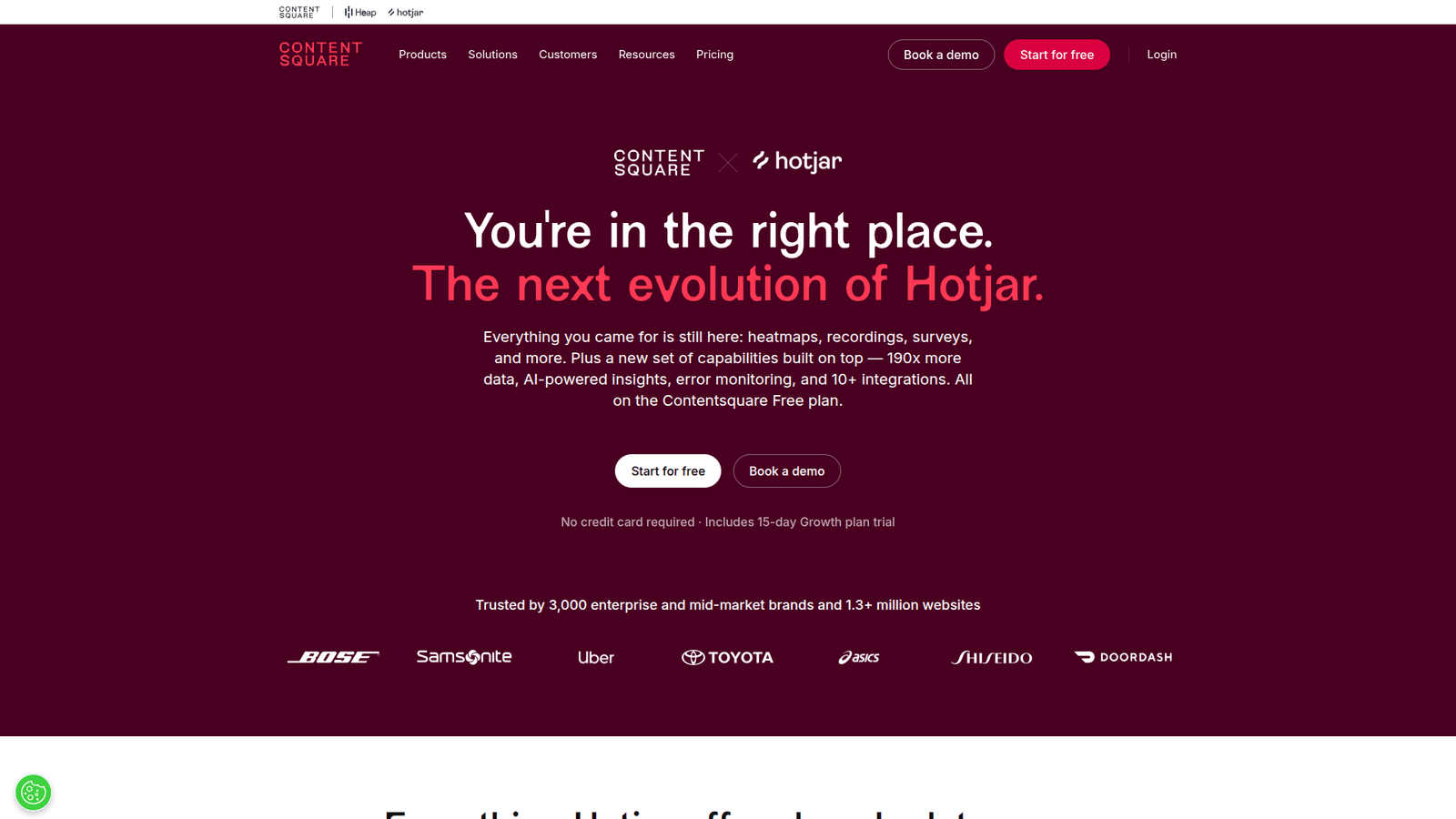

Use Hotjar for Customer Behavior Analysis to stop guessing why your sales are flat. Turn visitor frustration into profit today.
Why Hotjar Is a Game-Changer in Customer Behavior Analysis
Most E-commerce and Retail businesses operate in the dark. You look at Google Analytics and see numbers. You see traffic. You see bounce rates. But you have no idea what people are actually doing on your pages.
Are they getting frustrated? Are they missing the “Add to Cart” button? Are they scrolling past your best offers? Most business owners have no clue.
They guess. They change a button color. They hire a consultant. They burn cash hoping something works. That is not a strategy. That is gambling.
Hotjar changes the game. It shows you exactly what your users do. No more guessing. No more theory. Just hard data showing how people interact with your site.
What is Hotjar?
Hotjar is a product experience insights tool. It records user sessions, creates heatmaps, and collects feedback. It tells you what is happening on your pages.
Most tools tell you where users come from. Hotjar tells you what they do when they get there. It bridges the gap between raw traffic and real sales.
It records actual mouse movements, clicks, and scrolls. You see the screen as if you were looking over the shoulder of your customer. It removes the mystery.
You can see the exact moment a user gets confused. You can see the exact moment they leave. This is the difference between building a store that works and building a site that leaks money.
Key Features of Hotjar
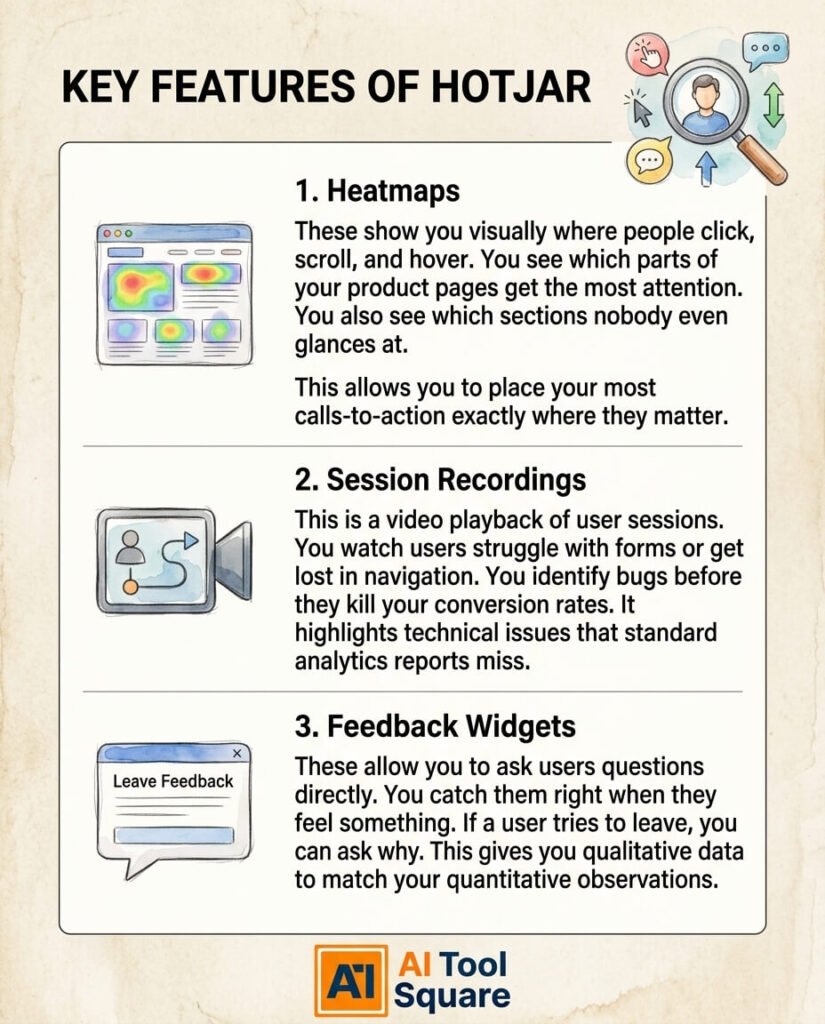
- Heatmaps: These show you visually where people click, scroll, and hover. You see which parts of your product pages get the most attention. You also see which sections nobody even glances at. This allows you to place your most important calls-to-action exactly where they matter.
- Session Recordings: This is a video playback of user sessions. You watch users struggle with forms or get lost in navigation. You identify bugs before they kill your conversion rates. It highlights technical issues that standard analytics reports miss.
- Feedback Widgets: These allow you to ask users questions directly. You catch them right when they feel something. If a user tries to leave, you can ask why. This gives you qualitative data to match your quantitative observations.
Benefits of Using Hotjar for E-commerce and Retail
If you sell online, time is your most valuable asset. Spending days trying to diagnose a low conversion rate is a waste. Hotjar gives you the answer in minutes.
You stop asking “what is wrong?” and start seeing it. You fix the checkout process. You fix the menu. You fix the copy. Your site becomes a machine designed to turn browsers into buyers.
The quality of your site improvements goes up. You are no longer guessing based on what worked for a competitor. You are optimizing based on how your real customers act.
Creative blocks disappear. When you see a user rage-clicking on an image that is not a link, the solution is obvious. You do not need a brainstorming session. You need to make that image a button.
Pricing & Plans

Hotjar offers a free tier. It is useful for small sites just starting out. You get enough data to see the core issues on your most popular pages.
The paid plans scale with your traffic. They unlock more recordings and longer data storage. This is for businesses that need to track high volumes of visitors to find patterns.
Pricing is transparent. You pay for what you need. Compared to the cost of losing customers due to bad design, the ROI on a subscription is high.
Alternatives exist, but many focus only on stats. Hotjar focuses on the human element. The value comes from the speed at which you gain clarity on your store performance.
Hands-On Experience
Consider a store owner who notices high cart abandonment. The standard metrics show where the drop-off happens, but not why.
By using session recordings, the owner watches ten videos. In three of them, the checkout button disappears on mobile screens. It is a technical glitch.
The owner fixes the code in five minutes. The conversion rate jumps by ten percent the next day. This is a common pattern in successful online stores.
Another case involves a landing page. The heatmap shows that users never reach the secondary benefits. They stop scrolling at the first fold.
The design team moves the key call-to-action higher up. They simplify the text. Subsequent heatmaps show engagement increasing significantly across the whole page.
Who Should Use Hotjar?

Anyone who owns a website should use this. It is mandatory for anyone with an online store. If you have traffic, you have a responsibility to optimize that traffic.
Marketing teams use it to align ads with landing page behavior. If the ad promises one thing but the page offers another, recordings will show immediate exits.
Small business owners use it to save money. Why pay a developer to guess at changes when you can point to a video showing what is broken?
Agencies use it to prove value. They show clients the data. They show the “before and after” videos. This builds trust and justifies fees based on performance.
How to Make Money Using Hotjar
You can offer “Conversion Rate Optimization Audits” as a service. You use Hotjar to identify leaks and propose specific fixes to business owners.
You can specialize in “User Experience Repair.” Many small stores have great products but terrible websites. You charge to fix the navigation and form issues you uncover.
You can create reports for clients. Charge a monthly fee to provide a “UX Monthly Update” that highlights wins and identifies new opportunities for growth.
- Conversion Optimization Audits: You sell a deep dive into a client’s site. You find the pain points using heatmaps and recordings. You create a list of actionable changes that will likely increase sales immediately.
- Landing Page Testing: You manage the flow of traffic for a client. You use Hotjar to see if the page copy matches what the user expects. You adjust elements to maximize the return on ad spend.
- Feedback Surveys: You manage email collection or lead generation for clients. You use pop-up polls to ask why visitors did not buy. You take that direct feedback and rewrite the sales pitch to address the real objections.
Limitations and Considerations
The learning curve is low, but the data requires interpretation. Watching hours of video can be time-consuming if you do not have a specific goal.
Privacy is important. You must ensure you are following local laws regarding data collection. Hotjar has settings to mask sensitive user information.
Speed can be a concern if you run too many third-party scripts. Keep your setup clean. Only track the pages that drive your core business goals.
Do not rely on small sample sizes. If you watch one video and decide to redesign your site, you are wrong. Look for patterns across hundreds of users before making large changes.
Final Thoughts
Hotjar removes the guesswork. It is the fastest way to get clarity on your site. You see the problems. You fix the problems. You make more money.
Do not get paralyzed by charts and spreadsheets. Start watching your users. They are already telling you exactly how to grow your business.
Stop paying for traffic that you are losing because your site is confusing. Start using the right tools to capture the value you already have. Get Hotjar and start fixing your site today.
Visit the official Hotjar website
Frequently Asked Questions
1. What is Hotjar used for?
It provides visual feedback on how users interact with your website through recordings, heatmaps, and surveys to identify performance issues.
2. Is Hotjar free?
Yes, there is a free plan available for small websites. Paid tiers are available for higher traffic volumes and advanced features.
3. How does Hotjar compare to other AI tools?
Unlike standard analytics tools that focus on numbers, Hotjar provides the visual “why” behind the data by showing actual human behavior.
4. Can beginners use Hotjar?
Yes. The interface is intuitive, and the setup process involves adding a single tracking code to your website.
5. Does the content created by Hotjar meet quality and optimization standards?
Hotjar provides the raw data. You still have to interpret that data to create high-quality, optimized experiences for your users.
6. Can I make money with Hotjar?
Yes, by offering conversion optimization and web auditing services to businesses that need to improve their online sales.
7. How to make money with Hotjar?
Focus on selling improvements to conversion rates. Use the data to prove where money is being lost and charge for the solutions that recover those sales.