
Design.com revolutionises Logo Design with AI. Generate stunning logos fast. Boost your business today!
Design.com Is a Game-Changer in Logo Design
The world of Visual and Graphic Design is getting an AI upgrade. Everywhere you look, artificial intelligence is stepping in to make things faster, smarter, and frankly, way less of a headache.
For professionals and businesses alike, this means new tools are popping up that can change how they work. Especially when it comes to something as crucial as creating a killer logo.
A good logo isn’t just a pretty picture. It’s the face of a brand. It’s the first impression. It needs to be memorable, impactful, and speak volumes about what you do. But getting it right? That can be tough.
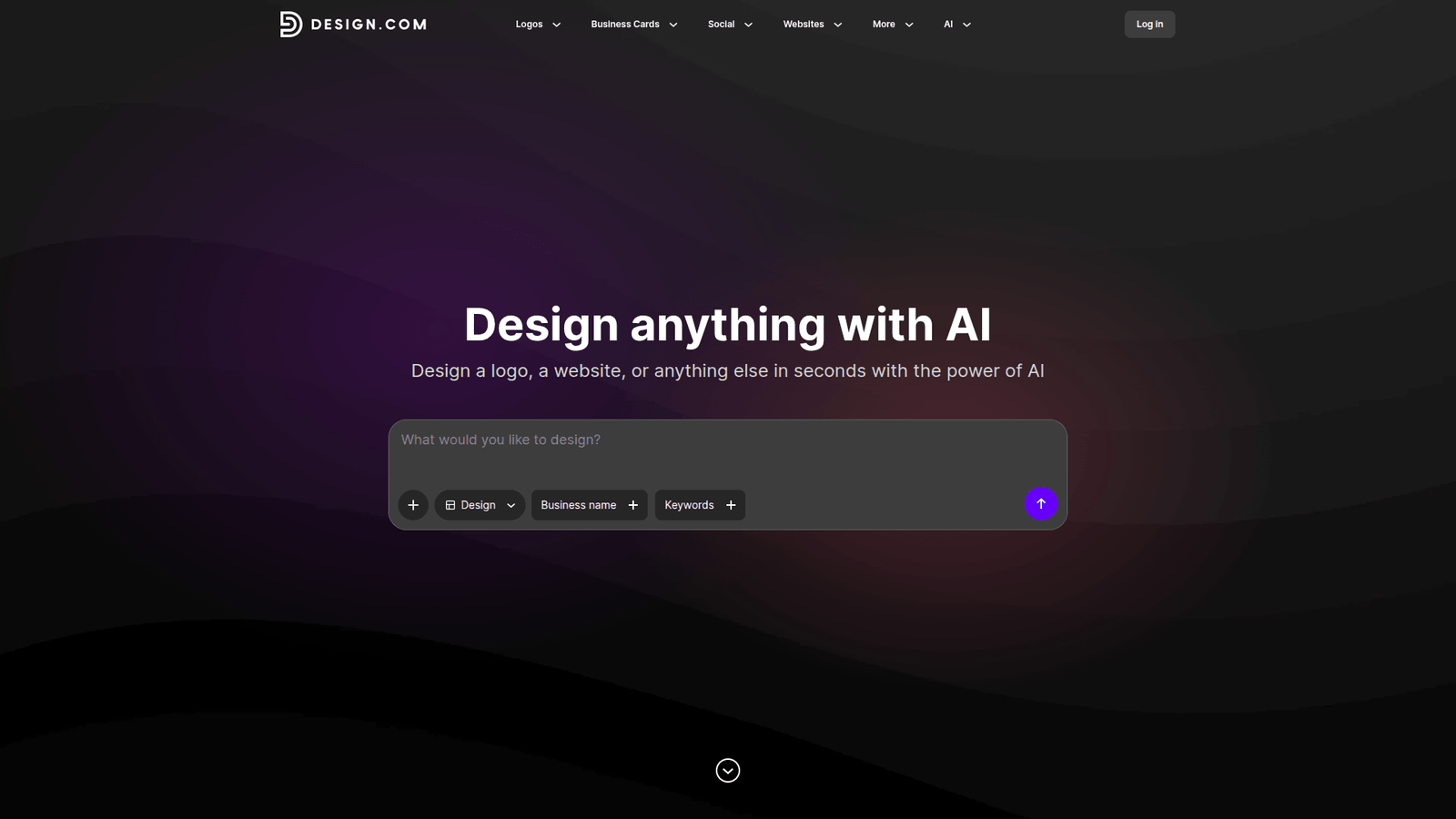
Enter Design.com. This AI-powered platform is making waves, promising to simplify and elevate the entire logo design process.
Table of Contents
- What is Design.com?
- Key Features of Design.com for Logo Design
- Benefits of Using Design.com for Visual and Graphic Design
- Pricing & Plans
- Hands-On Experience / Use Cases
- Who Should Use Design.com?
- How to Make Money Using Design.com
- Limitations and Considerations
- Final Thoughts
- Frequently Asked Questions
What is Design.com?
Design.com is an AI-powered platform built to streamline and enhance creative processes, particularly in the realm of visual content creation. Think of it as your intelligent design assistant.
Its core function is to leverage artificial intelligence to generate, refine, and manage visual assets. This makes it a powerful tool for anyone needing to create graphics, marketing materials, and, of course, iconic logos.
The target audience is broad, encompassing everyone from individual entrepreneurs and small business owners to marketing teams and established agencies. If you need compelling visuals but perhaps lack the extensive design background or dedicated resources, Design.com is designed for you.
Key Features of Design.com for Logo Design
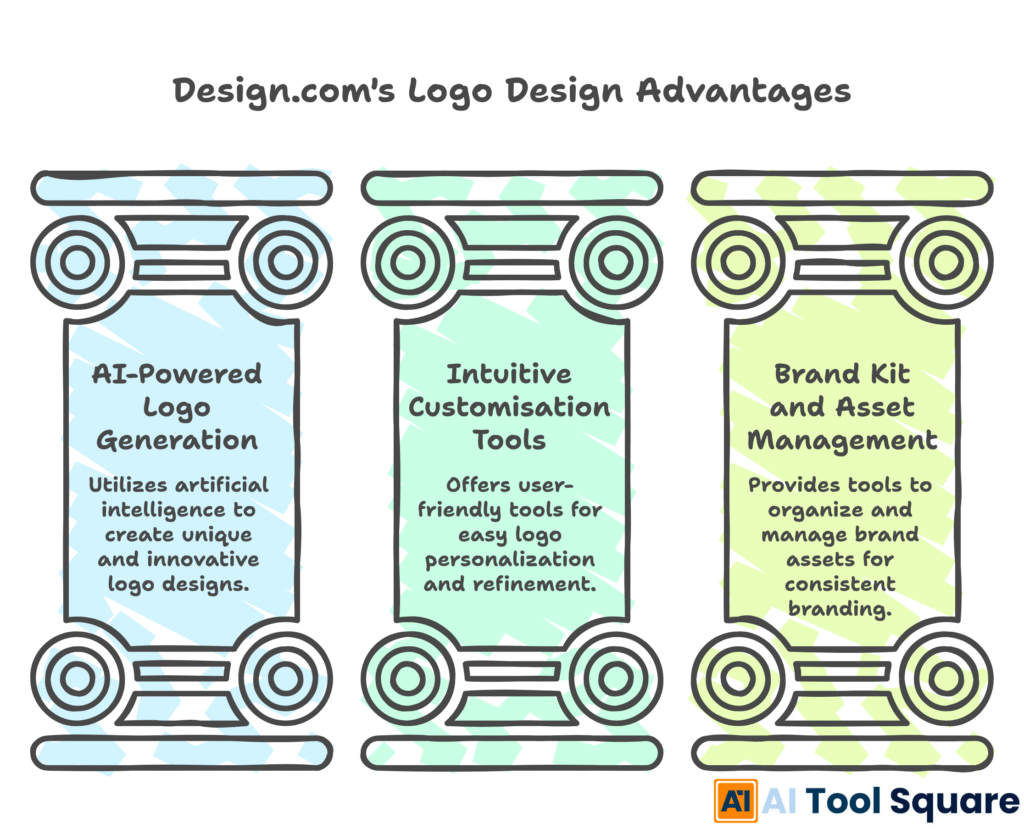
Design.com offers a suite of features that directly address the challenges of creating effective logos.
- AI-Powered Logo Generation: This is where the magic starts. Users input basic information about their brand—industry, style preferences, colour palettes, and keywords. The AI then generates a variety of logo concepts. This feature is a massive accelerator for Logo Design, taking the initial brainstorming phase from hours to minutes. It provides a broad spectrum of ideas you might not have considered.
- Intuitive Customisation Tools: Once concepts are generated, the platform provides robust yet user-friendly editing tools. You can tweak fonts, adjust colours, modify shapes, and rearrange elements. This allows for a high degree of personalisation, ensuring the final logo truly represents the brand’s identity without requiring advanced design software proficiency.
- Brand Kit and Asset Management: Design.com doesn’t just stop at the logo. It helps create a consistent brand identity. It can generate brand kits, which include not only the logo in various formats but also colour palettes, typography guidelines, and other visual assets. This ensures all your branding materials are cohesive and professionally presented. Managing these assets becomes simple, saving considerable time and preventing inconsistencies.
Benefits of Using Design.com for Visual and Graphic Design
The advantages of integrating Design.com into your workflow for Visual and Graphic Design are substantial and directly impact both efficiency and output quality.
One of the most significant benefits is the dramatic reduction in time spent on design tasks. What might have previously taken days of sketching, iterating, and refining can now be achieved in a fraction of the time. This is especially true for logo design, where initial concepts can be generated almost instantly.
Quality improvement is another key outcome. The AI can analyse design trends and best practices, often producing visually appealing and modern designs that resonate with target audiences. This democratises high-quality design, making it accessible to more businesses.
Creative blocks, a common nemesis for designers and business owners, are significantly minimised. By providing a wealth of initial ideas, Design.com acts as a powerful inspiration engine, sparking new directions and overcoming that frustrating blank-page syndrome.
Cost-effectiveness is also a major draw. Compared to hiring a professional designer for every single visual asset, or investing in expensive software and training, Design.com offers a more budget-friendly solution. This allows businesses to allocate resources more strategically.
Furthermore, the platform promotes consistency across all branding efforts. By helping to establish and manage a brand kit, it ensures that every visual element, from social media posts to business cards, aligns perfectly, reinforcing brand recognition and professionalism. This centralised approach to visual assets simplifies management and reduces errors.
For teams, Design.com can foster better collaboration. Shared projects and easy access to brand assets mean everyone is working from the same visual playbook, leading to more unified and impactful marketing campaigns.
The ability to quickly generate variations of a design for A/B testing or different platforms is also invaluable. This iterative capability allows for data-driven design decisions, optimising visual impact over time. This continuous refinement leads to better engagement and conversion rates.
Ultimately, Design.com empowers users to create professional-grade visuals without the steep learning curve or prohibitive costs typically associated with graphic design. This boosts confidence and allows individuals and teams to focus more on their core business activities.
Pricing & Plans

Design.com offers flexible pricing designed to accommodate different user needs and budgets.
While there isn’t always a perpetual “free plan” in the traditional sense, they often provide trials or limited free access to explore the platform’s capabilities. This allows users to get a feel for the AI generation and editing tools before committing financially.
Their premium plans typically unlock the full suite of features. This includes advanced AI generation options, higher resolution downloads, access to premium templates and fonts, and enhanced brand asset management capabilities. The exact tiers and pricing structures can vary, so checking their official website for the most current offerings is recommended.
When compared to alternatives, Design.com often strikes a competitive balance. Some AI design tools might offer a narrower scope of features, while others might be significantly more expensive. Design.com aims to provide a comprehensive solution for visual and graphic design needs at a price point that is accessible to a wide range of users, from solo entrepreneurs to growing agencies. The value proposition lies in the integrated approach, combining generation, editing, and brand management.
Hands-On Experience / Use Cases
A content marketer using Design.com can quickly generate eye-catching social media graphics. They input the topic, desired style, and any specific text. Within moments, several options appear. The marketer selects a strong contender, makes minor text adjustments, changes the background colour to match a campaign theme, and downloads it in the correct dimensions for Instagram. This process, which might have taken 30-60 minutes with traditional tools, is now completed in under five.
A small business owner launching a new product can use Design.com to create a professional-looking logo. They describe their business as “eco-friendly candles,” specify a natural colour palette, and request a minimalist design. The AI presents several logo variations featuring leaf motifs and clean typography. The owner chooses one, slightly adjusts the spacing of the letters, and is presented with a downloadable logo package, including different file types suitable for web and print.
Teams developing marketing campaigns can leverage Design.com to produce consistent visuals across multiple platforms. For a new campaign, they can define a core colour scheme and font pairing. Design.com then generates a range of assets – banners, ad creatives, and social media posts – all adhering to these defined brand guidelines. This ensures brand recognition is maintained even when creating a high volume of content rapidly.
An aspiring graphic designer can use Design.com to accelerate their learning and portfolio building. They can experiment with different AI-generated styles and refine them using the platform’s editing tools. This allows them to explore a wider range of design possibilities and develop a diverse portfolio more quickly, showcasing their ability to work with AI-generated concepts and their own refined touches. This exposure to AI-driven design is becoming increasingly valuable in the Visual and Graphic Design field.
Freelancers can expand their service offerings. By integrating Design.com into their workflow, they can take on more logo design or graphic creation projects than before, handling them more efficiently. This increased capacity directly translates to higher earning potential and the ability to serve a broader client base, making it a tool for business growth.
Who Should Use Design.com?

Design.com is a versatile tool that benefits a wide array of users.
Entrepreneurs and Startup Founders: Those in the early stages of business often have limited budgets and time. Design.com allows them to create professional logos and branding materials quickly and affordably, establishing a strong visual identity from day one.
Small Business Owners: For businesses that don’t have a dedicated marketing or design department, Design.com provides an accessible solution for all their visual needs, from social media graphics to promotional flyers.
Marketers and Social Media Managers: These professionals constantly need fresh, engaging visuals. Design.com speeds up the creation of graphics for campaigns, ads, and daily social media content, ensuring a consistent and appealing online presence.
Bloggers and Content Creators: Visual appeal is crucial for engaging an audience online. Bloggers can use Design.com to create unique header images, featured post graphics, and social media promotional material that stands out.
Agencies and Design Studios: Even experienced design professionals can benefit. Design.com can be used as an ideation tool, generating initial concepts rapidly, or for creating standard assets quickly, freeing up human designers for more complex, strategic creative work.
E-commerce Businesses: Product listings, banners, and advertisements need to be visually compelling. Design.com helps create these assets efficiently, contributing to better conversion rates and brand perception.
Students and Aspiring Designers: It’s a great way to learn about design principles, experiment with different styles, and build a portfolio without needing to master complex software immediately.
How to Make Money Using Design.com
Design.com isn’t just a tool for creating visuals; it’s a powerful asset for generating revenue. Its efficiency and professional output open several avenues for monetization, especially in the Logo Design niche.
- Offer Logo Design Packages: Many small businesses and startups desperately need professional logos but can’t afford premium agency rates. You can use Design.com to generate a wide range of initial concepts rapidly. Then, you use the platform’s editing tools to refine the best options based on client feedback. You can offer tiered packages: a basic package for AI-generated logos with minimal edits, and premium packages that include more extensive customisation and brand guideline creation. This service allows you to serve more clients in less time.
- Create and Sell Brand Kits: Beyond just a logo, businesses need cohesive branding. Design.com’s ability to help establish brand kits – including colour palettes, font pairings, and usage guidelines – is invaluable. You can package these deliverables and offer them as a comprehensive branding solution. This is particularly attractive to new businesses looking to establish a strong, unified identity across all platforms, from their website to their business cards.
- Provide Social Media Graphic Design Services: Businesses and individuals are constantly in need of engaging social media content. Using Design.com, you can efficiently produce a high volume of visually appealing graphics for posts, stories, and ads. You can offer subscription-based services where you deliver a set number of custom graphics weekly or monthly, ensuring a steady income stream. The speed of AI generation means you can manage multiple clients simultaneously without burnout.
For example, a freelancer could leverage Design.com to offer a “Startup Branding Bundle” for £300. This bundle might include a logo (generated by AI and refined), a basic colour palette, and 5 social media templates. By using Design.com, they can produce this bundle in a matter of hours, whereas traditional methods might take days, significantly increasing their hourly profit margin. The AI handles the heavy lifting of initial concept generation, allowing the freelancer to focus on client communication and final touches.
Limitations and Considerations
While Design.com is a powerful tool, it’s important to understand its limitations.
Firstly, the AI-generated outputs, while often impressive, may sometimes lack the nuanced creativity or unique artistic vision that a seasoned human designer brings. There might be instances where the designs feel generic or don’t fully capture the subtle essence of a brand.
Secondly, while the editing tools are user-friendly, they may not offer the absolute depth of control found in professional-grade design software like Adobe Photoshop or Illustrator. For highly intricate or complex design requirements, manual adjustments might hit a ceiling.
The AI is dependent on the quality of input provided. Vague or contradictory prompts can lead to suboptimal results. Users need to learn how to effectively communicate their vision to the AI to get the best outcomes. This involves a slight learning curve in prompt engineering.
While Design.com can produce high-quality visuals, for absolute brand perfection or highly specialised design needs, a final review and potential touch-ups by a human designer might still be beneficial. It’s a tool that amplifies human creativity, rather than replacing it entirely for all scenarios.
It’s also worth noting that over-reliance on AI without understanding fundamental design principles can sometimes lead to designs that are technically sound but lack strategic purpose or emotional resonance.
Final Thoughts
Design.com is fundamentally changing how individuals and businesses approach visual and graphic design, particularly in the critical area of logo creation.
It empowers users with professional design capabilities that were once exclusive to trained professionals with expensive software and significant time investment. The AI-driven generation and intuitive editing tools make it accessible and efficient.
If you’re looking to create a strong brand identity, generate marketing materials quickly, or even explore new revenue streams by offering design services, Design.com is a tool worth your serious consideration.
Don’t let complex software or budget constraints hold back your visual presence. Take the leap and explore what Design.com can do for your projects.
Visit the official Design.com website
Frequently Asked Questions
1. What is Design.com used for?
Design.com is used for creating professional visual content, including logos, marketing graphics, social media posts, and other branding materials, leveraging AI to speed up the design process.
2. Is Design.com free?
Design.com often offers trial periods or limited free access. Full access to premium features, higher resolution downloads, and advanced tools typically requires a paid subscription.
3. How does Design.com compare to other AI tools?
Design.com differentiates itself by offering an integrated suite of tools for logo design, brand kit creation, and various graphic assets, often with a strong emphasis on user-friendliness and comprehensive branding solutions within a single platform.
4. Can beginners use Design.com?
Yes, Design.com is designed with user-friendliness in mind, making it accessible for beginners. Its AI-powered generation and intuitive editing tools require minimal prior design experience.
5. Does the content created by Design.com meet quality and optimization standards?
The content generated by Design.com generally meets professional quality standards, especially for common design needs. For optimal marketing performance, final checks and adjustments by a user familiar with specific platform best practices are always recommended.
6. Can I make money with Design.com?
Absolutely. You can offer logo design services, create and sell brand kits, and generate social media graphics for clients, all facilitated by the efficiency of Design.com.
7. How to make money with Design.com?
To make money, you can create logos and branding packages for businesses, offer subscription-based social media graphic design services, or bundle various design assets into comprehensive packages for clients.