
Hey, if you’re looking to build real apps without wrestling with a single line of code, then you’ve landed in the right spot. We’re talking about powerful no-code AI tools that actually build real apps, letting you ship incredible software faster than you ever thought possible. Forget the endless hours debugging; we’re about getting straight to value.
I’ve seen countless entrepreneurs and businesses get stuck in the development quagmire. They have brilliant ideas but lack the technical chops or the budget to hire a dev team. That’s where no-code AI tools swoop in like a superhero. These platforms are democratising app development, giving you the power to bring your vision to life without needing to learn Python or JavaScript. It’s about leveraging artificial intelligence to handle the heavy lifting, so you can focus on what truly matters: your product and your customers.
Trust me, the hype around no-code AI tools is real, and for good reason. They’re not just for simple prototypes anymore; these platforms are capable of building robust, scalable applications that can handle complex logic and integrations. We’re talking about everything from internal tools and customer portals to full-blown marketplaces and mobile apps. The barrier to entry has never been lower, and the potential for innovation has never been higher. So, let’s get into the nitty-gritty of how you can start building, shipping, and winning with these incredible solutions.
Table of Contents
- What Are the Best No Code and Low Code Tools?
- Top 7 No Code and Low Code Tools (Detailed Reviews)
- Feature Comparison
- Pricing Breakdown
- Real-World Use Cases
- Who Should Use Each Tool?
- How to Choose the Right Tool
- Making Money with These Tools
- Common Limitations
- Final Verdict and Recommendations
- Frequently Asked Questions
What Are the Best No Code and Low Code Tools?
Alright, let’s cut to the chase. You want to know which no-code AI tools are actually worth your time and money. When we talk about “best,” we’re really talking about effectiveness, flexibility, and the ability to deliver real business outcomes. It’s not just about drag-and-drop; it’s about what you can build and how quickly you can get it into the hands of your users. The market is flooded, so separating the wheat from the chaff is crucial.
The distinction between no-code and low-code is important here, though often blurred. No-code means exactly that: zero code. You’re building purely visually. Low-code, on the other hand, gives you that visual environment but also allows for custom code snippets if you need to extend functionality or integrate with very specific systems. For our purposes, we’re focusing heavily on the no-code side, but some of these powerful platforms offer low-code capabilities if you ever need to flex those muscles. These no-code AI tools are designed to empower you, not restrict you.
The cream of the crop among no-code AI tools generally share a few core characteristics: intuitive visual interfaces, robust integration capabilities, scalability, and a strong community for support. They allow you to create complex logic, manage data, and design beautiful user interfaces without needing to understand the underlying code. Think of them as sophisticated LEGO sets for building applications; you snap pieces together, and suddenly, you have a fully functional product. This approach drastically reduces development time and cost, making app creation accessible to everyone.
From developing internal dashboards to launching full-fledged customer-facing applications, these no-code AI tools are proving their mettle daily. They are changing the game for startups, small businesses, and even large enterprises looking to innovate faster. My aim here is to give you the honest truth about which platforms deliver on their promises and how you can leverage them to build something truly impactful. Let’s make some money and build some amazing apps with these no-code AI tools.
Top 7 No Code and Low Code Tools (Detailed Reviews)
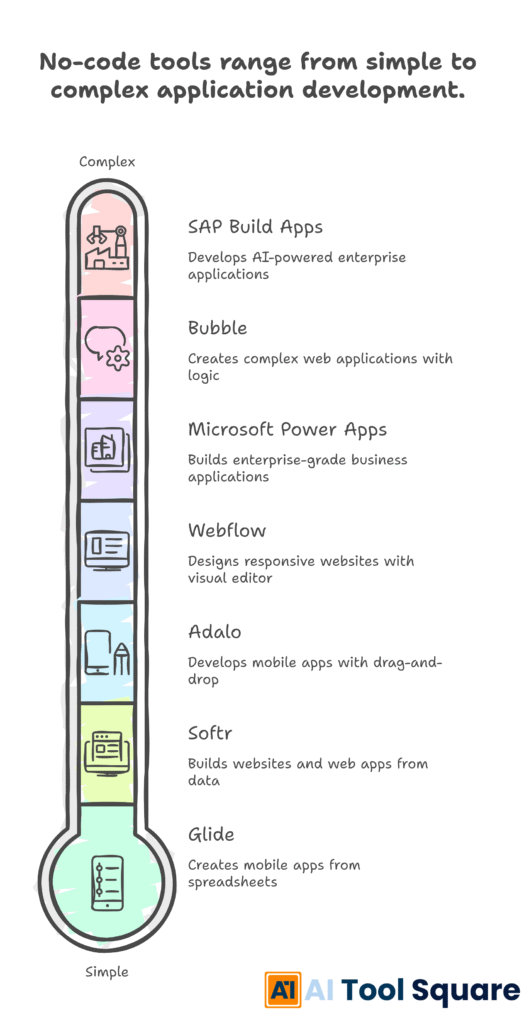
SAP Build Apps (formerly AppGyver) – no-code AI tools Review
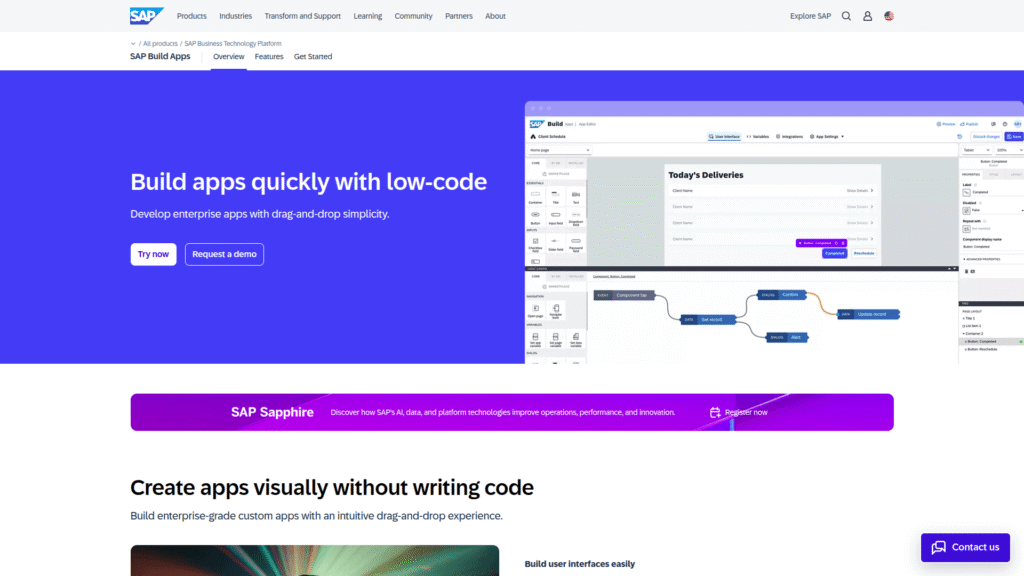
SAP Build Apps, previously known as AppGyver, stands out as one of the most powerful no-code AI tools for building sophisticated web and mobile applications. It’s particularly strong for enterprise-grade solutions, offering incredible flexibility and a robust set of features. You can build complex logic and integrate with various data sources without writing a single line of code. This platform is designed for serious builders who want to create highly functional applications.
Features:
- True no-code visual development for web and mobile.
- Extensive component library and visual logic builder.
- Integration with any REST API.
- Advanced data binding and state management.
- Enterprise-grade security and scalability.
Pricing:
SAP Build Apps offers a free tier for individual developers and small teams, which is incredibly generous given its capabilities. For larger organisations and commercial use, it typically comes as part of broader SAP BTP (Business Technology Platform) subscriptions, with pricing tailored to enterprise needs. You’ll need to contact SAP for detailed enterprise pricing.
Pros:
- Extremely powerful and flexible for complex applications.
- Excellent for enterprise integrations.
- Generous free tier.
- Supports both web and mobile app development.
Cons:
- Can have a steeper learning curve compared to simpler no-code AI tools.
- More geared towards technical users, even without code.
- Enterprise pricing can be complex.
Visit official SAP Build Apps website
Bubble – no-code AI tools Review
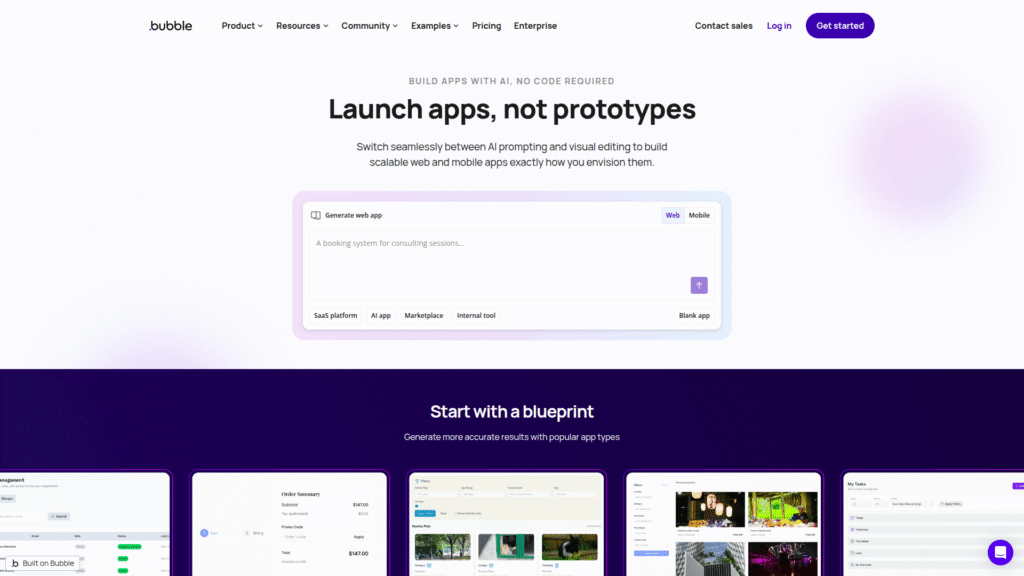
Bubble is arguably one of the most well-known and versatile no-code AI tools available. It lets you build almost any type of web application you can imagine, from social networks to marketplaces and internal tools. Its strength lies in its incredible flexibility and the sheer depth of what you can achieve without touching code. If you have a complex idea for a web app, Bubble is often the go-to solution for no-coders.
Features:
- Visual programming language for building complex workflows.
- Powerful database capabilities.
- Extensive plugin ecosystem for integrations.
- Responsive design capabilities.
- Hosting and deployment included.
Pricing:
Bubble offers several pricing tiers. The Free plan is great for learning and prototyping. Paid plans start at around $29/month for the Starter plan, scaling up through Growth ($134/month) and Team ($399/month), offering increased server capacity, more storage, and additional features. Enterprise options are also available.
Pros:
- Extremely flexible; can build almost anything.
- Strong community and extensive learning resources.
- Continuously evolving with new features.
- Excellent for custom web applications.
Cons:
- Can have a significant learning curve initially.
- Primarily for web applications, not native mobile.
- Performance can be a concern for very complex, unoptimized apps.
Adalo – no-code AI tools Review
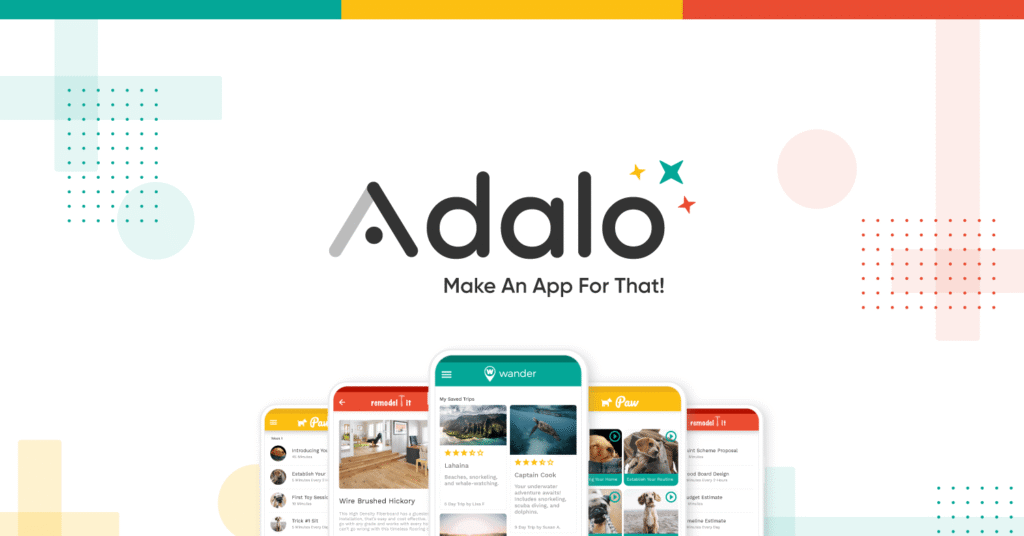
If you’re focused on building native mobile apps (iOS and Android) and progressive web apps (PWAs) with a beautiful user interface, Adalo is one of the premier no-code AI tools to consider. It prioritises design and user experience, allowing you to create visually stunning applications with a drag-and-drop interface. Adalo makes it incredibly easy to launch a mobile app quickly.
Features:
- Drag-and-drop interface for mobile and web app design.
- Native app publishing to App Store and Google Play.
- Built-in database and external API integrations.
- Push notifications and user authentication.
- Custom actions and logic.
Pricing:
Adalo has a Free plan for basic building. Paid plans start with the Starter plan at $36/month, offering custom domains and more app capacity. The Professional plan is $60/month with increased storage and more apps, and the Team plan is $160/month for collaboration features and higher limits.
Pros:
- Excellent for building native mobile apps quickly.
- Strong focus on UI/UX and design.
- Relatively easy to learn and use.
- Good for launching MVPs rapidly.
Cons:
- Less flexible for complex logic compared to Bubble.
- Scalability can be a concern for extremely high-traffic apps.
- Some advanced features require workarounds.
Microsoft Power Apps – no-code AI tools Review
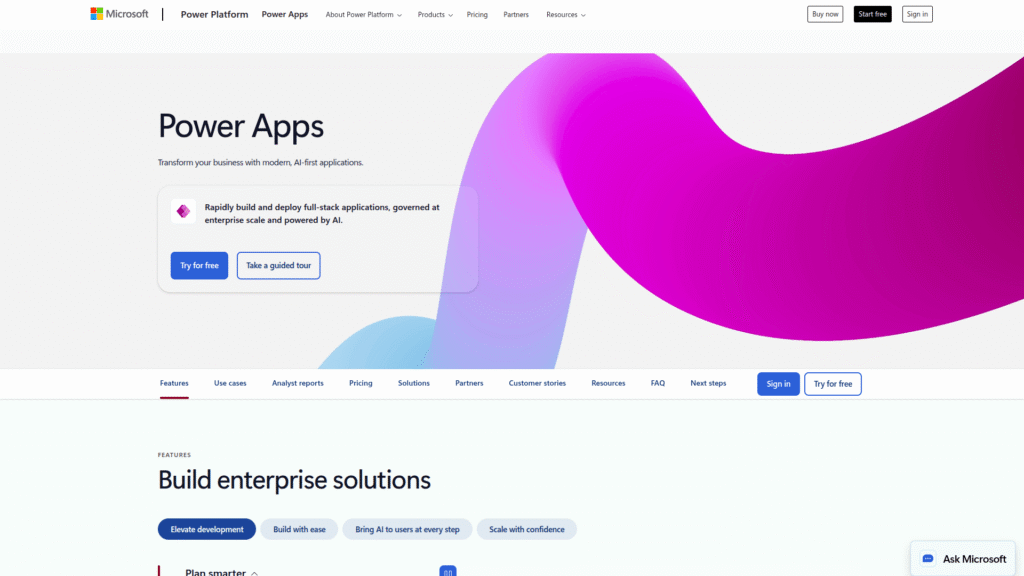
Microsoft Power Apps is a powerful suite of no-code AI tools designed for building custom business applications. It’s particularly strong for organisations already invested in the Microsoft ecosystem (Office 365, Azure, Dynamics 365). Power Apps allows you to connect to a vast array of data sources and build applications that streamline internal processes, automate workflows, and enhance productivity.
Features:
- Integration with Microsoft 365 services and hundreds of other data sources.
- Canvas apps for highly customised interfaces and model-driven apps for data-centric forms.
- AI Builder for incorporating AI capabilities like prediction and object detection.
- Robust security and compliance features.
- Integration with Power Automate for workflow automation.
Pricing:
Microsoft Power Apps pricing is typically on a per-user, per-app, or per-month basis, often integrated with Microsoft 365 subscriptions. Standalone plans start from around £4.10 per user/app/month for basic access, scaling up depending on features, capacity, and types of applications needed. There’s also a developer plan for testing.
Pros:
- Deep integration with the Microsoft ecosystem.
- Excellent for internal business applications and workflows.
- Strong security and governance.
- AI Builder adds powerful AI capabilities.
Cons:
- Can be complex for users outside the Microsoft ecosystem.
- Not ideal for public-facing consumer apps.
- Pricing can be confusing for new users.
Visit official Microsoft Power Apps website
Webflow – no-code AI tools Review
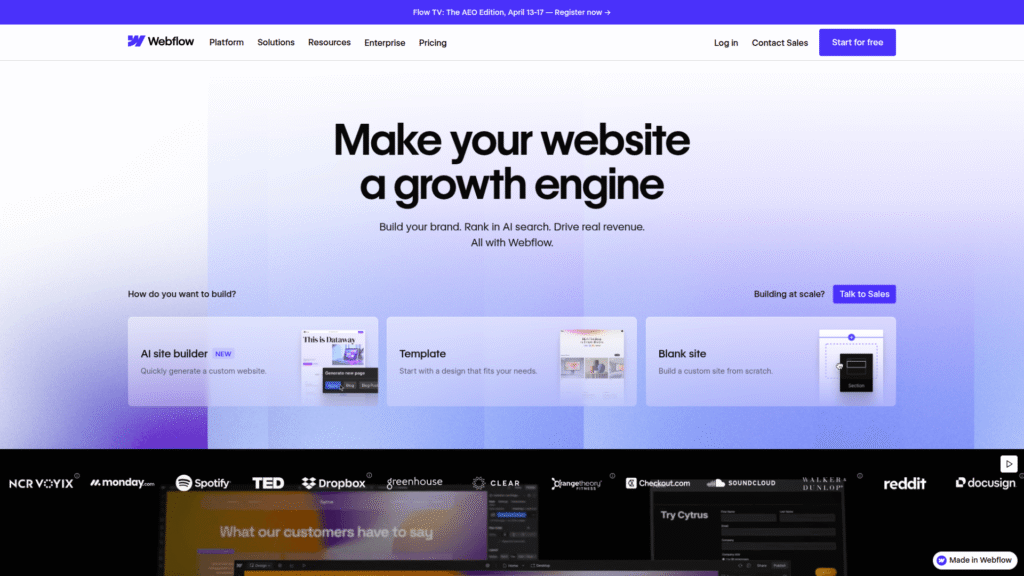
While primarily known as a powerful no-code website builder, Webflow is rapidly evolving into one of the most capable no-code AI tools for building dynamic web applications. Its strength lies in its incredible design flexibility and ability to create custom databases (CMS) that can power anything from blogs and e-commerce stores to membership sites and web apps. If you need a beautifully designed, highly functional web presence, Webflow delivers.
Features:
- Visual CSS and HTML builder for pixel-perfect designs.
- Powerful Content Management System (CMS) for dynamic content.
- E-commerce functionality.
- Interactions and animations builder.
- Built-in SEO tools.
Pricing:
Webflow offers various pricing plans. Site plans (for individual websites) start with a Free plan, then move to Basic ($14/month), CMS ($23/month), and Business ($39/month), offering increased CMS items, bandwidth, and features. Workspace plans (for teams) start around $19/user/month.
Pros:
- Unparalleled design freedom and control.
- Excellent for responsive websites and dynamic web apps.
- Great SEO capabilities.
- Strong community and extensive learning resources.
Cons:
- Steeper learning curve than simpler drag-and-drop builders.
- Not ideal for native mobile apps.
- Database capabilities, while powerful, are not as robust as a dedicated app builder like Bubble for complex application logic.
Visit official Webflow website
Softr – no-code AI tools Review
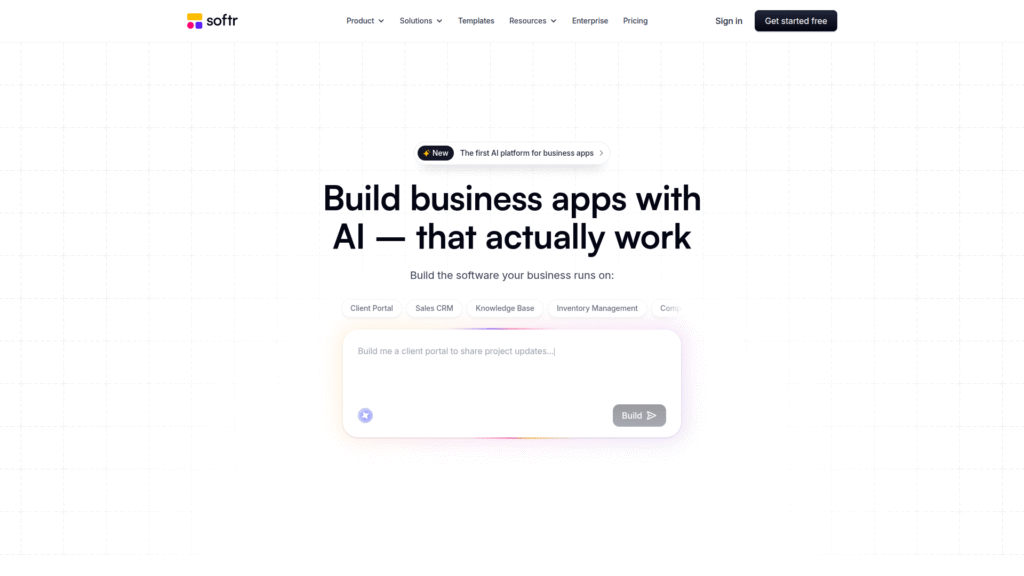
Softr is one of the most efficient no-code AI tools for building web applications, portals, and websites quickly, often powered by existing data sources like Airtable or Google Sheets. It’s fantastic for creating client portals, internal tools, membership sites, and marketplaces with minimal effort. Softr makes it incredibly easy to turn your data into a functional application.
Features:
- Connects seamlessly with Airtable and Google Sheets as data sources.
- Pre-built blocks and templates for rapid building.
- User authentication and permissions.
- Membership functionalities.
- Responsive design.
Pricing:
Softr has a generous Free plan. Paid plans start at the Starter plan for $59/month (or $49/month billed annually), offering more apps, custom domains, and user limits. The Professional plan is $169/month (or $139/month annually), and the Business plan is $299/month (or $249/month annually) for higher capacity and advanced features.
Pros:
- Extremely fast to build functional applications.
- Great for client portals, internal tools, and membership sites.
- Seamless integration with Airtable and Google Sheets.
- User-friendly interface.
Cons:
- Reliance on external data sources for core functionality.
- Less flexibility for custom logic compared to Bubble or SAP Build Apps.
- Not suitable for native mobile apps.
Glide – no-code AI tools Review
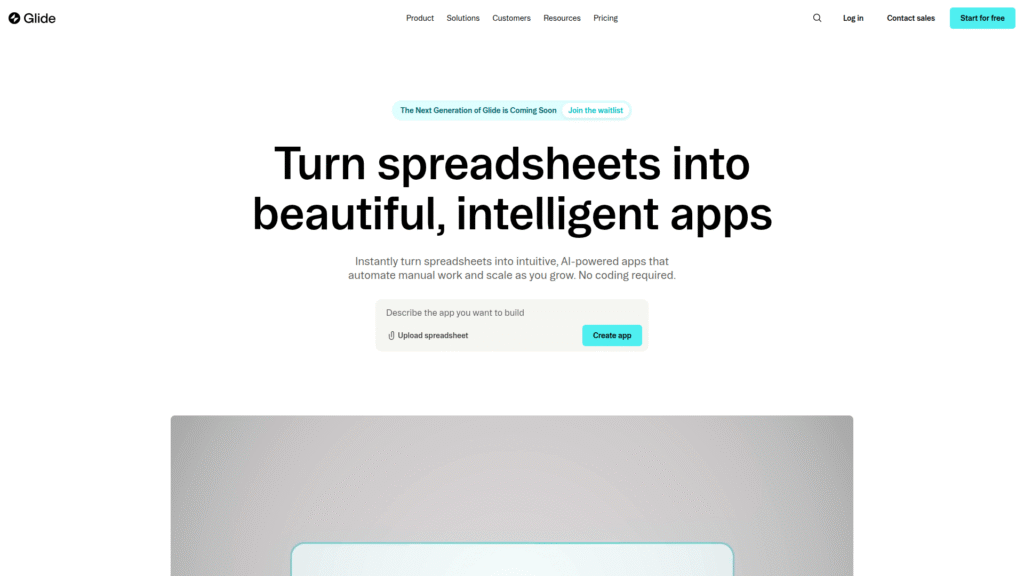
Glide stands out among no-code AI tools for its ability to transform spreadsheets (Google Sheets, Excel, Airtable) into polished, user-friendly mobile and web applications in minutes. It’s incredibly intuitive and perfect for creating internal tools, directories, event apps, and simple customer-facing applications. If you have data in a spreadsheet and want to make it interactive, Glide is your go-to.
Features:
- Turns spreadsheets into mobile apps and web apps.
- Pre-built templates for various use cases.
- User authentication and roles.
- Form submissions and data collection.
- Customisation options for branding.
Pricing:
Glide offers a Free plan for basic apps. Paid plans start with the Starter plan for around £25/month, offering more apps, users, and data rows. The Pro plan is around £49/month, and the Business plan is around £249/month, providing significantly increased limits and advanced features.
Pros:
- Extremely fast and easy to get started.
- Excellent for turning existing data into apps.
- User-friendly interface.
- Good for internal tools and simple public apps.
Cons:
- Limited in terms of complex logic and advanced features.
- Reliance on spreadsheets as a primary data source.
- Less design flexibility compared to Adalo or Webflow.
Feature Comparison
When evaluating no-code AI tools, a feature comparison isn’t just about ticking boxes; it’s about understanding which platform aligns with your specific app-building goals. Each of these tools brings a different set of strengths to the table. For instance, if you need intricate backend logic and custom integrations, Bubble and SAP Build Apps offer unparalleled flexibility, allowing you to design complex workflows and manage vast amounts of data without limits. They are truly powerful no-code AI tools.
On the other hand, if your priority is a beautiful, native mobile app experience with stunning UI, Adalo shines. Its drag-and-drop interface is specifically optimised for mobile design, making it quick to publish to app stores. Microsoft Power Apps excels in enterprise environments, especially if you’re already entrenched in the Microsoft ecosystem, providing deep integration with existing business processes and data sources. These no-code AI tools serve distinct purposes.
For those focused on dynamic websites or web apps with significant design control and robust CMS capabilities, Webflow is a powerhouse. It bridges the gap between design and development like no other, allowing for pixel-perfect layouts and complex content structures. Softr and Glide, while perhaps less feature-rich for extreme customisation, are champions of speed and efficiency, perfect for transforming data into functional applications almost instantly, especially when working with spreadsheets. They are fantastic no-code AI tools for rapid deployment.
Considering aspects like database capabilities, integration options, mobile responsiveness, and the ability to handle user authentication is vital. Some no-code AI tools offer their own robust databases, while others rely on external connections like Airtable. Understanding these nuances will directly impact your project’s scalability and complexity. Always weigh the features against your non-negotiable requirements before committing to a platform.
Pricing Breakdown
Let’s talk about money, because let’s be real, that matters. The pricing structures for no-code AI tools can vary significantly, from generous free tiers to enterprise-level subscriptions. It’s crucial to look beyond the initial sticker price and understand what each tier actually offers in terms of features, user limits, data storage, and performance. A seemingly cheap plan might quickly become expensive if you hit unforeseen usage caps or need to upgrade for a critical feature.
Many no-code AI tools, like Bubble, Adalo, Softr, and Glide, offer free plans that are excellent for learning, prototyping, and even launching small projects. These free tiers are fantastic for dipping your toes in and understanding the platform’s capabilities without financial commitment. However, as your application grows in complexity, user base, or data volume, you’ll inevitably need to upgrade to a paid plan. The key is to find a platform whose pricing scales reasonably with your growth.
Paid plans typically introduce custom domains, increased database records, more bandwidth, additional users, priority support, and the ability to remove platform branding. Some, like Microsoft Power Apps and SAP Build Apps, are geared towards enterprise clients, where pricing can be more complex, often requiring direct quotes and integrating into broader software suites. Understanding the cost per user, per application, or per data record is essential for predicting your future expenditure. These powerful no-code AI tools offer varying economic models.
Always consider the total cost of ownership. This includes not just the monthly subscription but also any costs associated with third-party integrations, custom domain registration, and potential agency fees if you decide to hire external help. My advice? Start with a free plan, build out your core functionality, and then carefully evaluate the paid tiers based on your projected needs. Don’t get caught off guard by hidden costs when leveraging these no-code AI tools.
Real-World Use Cases
Forget the theory; let’s talk about what people are actually building with these incredible no-code AI tools. The applications are as diverse as the ideas themselves. From solo entrepreneurs launching their first product to large corporations optimising internal processes, no-code solutions are delivering tangible value across industries. This isn’t just about simple websites; we’re talking about robust, revenue-generating applications.
I’ve seen startups build entire marketplaces with Bubble, connecting buyers and sellers without needing a single developer on staff. Imagine launching a platform like Airbnb or Uber, completely no-code. Small businesses are using Softr to create client portals where customers can log in, view their project progress, and access resources – all built on top of a simple Airtable database. These are powerful no-code AI tools in action.
For internal operations, Microsoft Power Apps is a game-changer. Companies are building custom applications to manage inventory, track sales leads, automate HR processes, and streamline data entry, directly integrating with their existing Microsoft ecosystem. This drastically reduces manual work and improves data accuracy. Glide is being used to transform messy spreadsheets into intuitive mobile directories for employees or event attendees, making information accessible on the go. These no-code AI tools solve real business problems.
Think about what Webflow does for agencies and freelancers: building sophisticated client websites, e-commerce stores, and even membership sites with custom content management systems, all with unparalleled design flexibility. Adalo allows entrepreneurs to launch their minimum viable product (MVP) mobile apps in weeks, not months, getting early user feedback and iterating quickly. The common thread here is speed, efficiency, and the democratisation of app development. These no-code AI tools are making innovation accessible to everyone, allowing ideas to become reality faster than ever before.
Who Should Use Each Tool?
Matching the right no-code AI tools to the right person or project is absolutely critical for success. You wouldn’t use a hammer to drive a screw, and the same applies here. Each platform has its sweet spot, and understanding these distinctions will save you a ton of time, frustration, and money.
If you’re an entrepreneur with a complex web application idea – think social networks, marketplaces, or sophisticated dashboards – then Bubble should be your primary consideration. It requires a significant learning investment, but the payoff in terms of flexibility and power is immense. Similarly, if you’re building enterprise-grade applications with deep integration requirements, especially within an SAP ecosystem, SAP Build Apps is the robust choice among no-code AI tools.
For those obsessed with creating beautiful, native mobile apps for iOS and Android, Adalo is your friend. It prioritises user interface and experience, making it ideal for launching consumer-facing mobile products quickly. Conversely, if you’re an organisation deeply embedded in Microsoft products and need to build internal business applications to enhance productivity and workflows, Microsoft Power Apps is tailor-made for you. It leverages your existing infrastructure and data.
Webflow is for designers, agencies, and businesses that need stunning, highly customised websites and dynamic web experiences with powerful CMS capabilities. It’s less about complex application logic and more about design control and content management. If you want to turn existing data (like Airtable or Google Sheets) into functional web applications, client portals, or internal tools quickly, then Softr and Glide are outstanding no-code AI tools. Glide leans more towards mobile-first spreadsheet-to-app conversion, while Softr offers more robust web portal features. Choose wisely, because the right tool makes all the difference when leveraging no-code AI tools.
How to Choose the Right Tool
Choosing the right one from the many no-code AI tools isn’t about picking the “best” in a general sense; it’s about picking the best for your specific project and goals. This decision can make or break your ability to launch successfully and efficiently. I’ve seen too many people jump into a platform because it’s popular, only to find it doesn’t meet their needs.
First, clearly define your project requirements. What kind of app are you building – web, mobile, internal tool, marketplace? What level of complexity does it need? How many users do you anticipate? What kind of data will it handle? Do you need integrations with specific external services? Answering these questions rigorously will narrow down your options significantly for no-code AI tools.
Next, consider your own skill level and time commitment. Some no-code AI tools, like Glide or Softr, have a very gentle learning curve, allowing you to build quickly. Others, such as Bubble or SAP Build Apps, offer immense power but require a more significant investment in learning the platform’s intricacies. Be honest about how much time you’re willing to put into mastering a new tool.
Evaluate the platform’s scalability and future-proofing. Can it grow with your idea? Will it handle increased user loads and data volume without performance issues? Look at the community support, documentation, and the availability of third-party templates or plugins. A strong ecosystem can be invaluable when you hit a roadblock. Don’t forget pricing – understand the free tiers, paid plans, and potential for hidden costs as you scale. Take advantage of free trials and build a small prototype to get a feel for the platform before making a long-term commitment. This due diligence is paramount when navigating the world of no-code AI tools.
Making Money with These Tools
Let’s be honest: building for the sake of building is fun, but building to make money is even better. The beauty of no-code AI tools is that they drastically lower the barrier to entry for creating revenue-generating products and services. You don’t need to raise a massive seed round or hire a costly development team to launch your business idea.
One of the most straightforward ways to make money is by launching your own SaaS (Software as a Service) product. With no-code AI tools like Bubble, you can build subscription-based web applications, customer portals, or specialised tools that solve a specific problem for a niche audience. Imagine creating a project management tool for freelancers or a lead generation dashboard for small businesses. The recurring revenue potential here is massive.
Another lucrative avenue is building client projects. Many agencies and freelancers are now specialising in no-code development, using these powerful no-code AI tools to build custom web and mobile apps for their clients. Instead of taking months and tens of thousands of pounds with traditional coding, you can deliver a high-quality product in weeks, at a fraction of the cost, making it attractive for small to medium-sized businesses. This is where no-code AI tools really shine for service providers.
You can also create and sell templates or components built on these platforms. If you master a specific no-code AI tool, you can develop reusable templates for common app types (e.g., a real estate listing app template on Adalo or a CRM template on Softr) and sell them to other aspiring no-coders. Lastly, don’t underestimate the power of internal tools. Building applications with Microsoft Power Apps or Glide to streamline your own business operations can save you significant time and resources, which directly translates to increased profitability. The potential to monetise your skills and ideas using no-code AI tools is vast, limited only by your imagination and effort.
Common Limitations
As much as I champion no-code AI tools, it would be disingenuous not to address their limitations. No tool is a magic bullet, and understanding where these platforms might fall short is just as important as knowing their strengths. Managing expectations here is key to avoiding frustration down the line.
One common limitation is the potential for vendor lock-in. When you build extensively on a specific no-code AI tool, migrating your application to a different platform or custom code can be incredibly challenging, sometimes impossible. You become dependent on that platform’s features, updates, and pricing model. Always consider the long-term implications of your platform choice.
Another area where no-code AI tools can hit roadblocks is extreme customisation or highly unique functionality. While platforms like Bubble offer incredible flexibility, there will always be a ceiling to what you can achieve without custom code. If your application requires very specific, niche integrations or highly optimised performance for millions of concurrent users, traditional coding might still be the only viable path.
Performance and scalability can also be concerns. While most platforms are constantly improving, a complex no-code application with inefficient workflows or poorly structured databases can lead to slower load times and a suboptimal user experience. This isn’t inherent to all no-code AI tools, but it’s a risk if not managed correctly. Security is another point; while platforms generally offer robust security features, you are still relying on their infrastructure and compliance. Finally, remember that “no-code” doesn’t mean “no logic” or “no design skill.” You still need to understand database structures, user experience principles, and business logic to build a truly effective application. These no-code AI tools simplify the technical execution, but the strategic thinking remains entirely yours.
Final Verdict and Recommendations
Alright, so you’ve got the lowdown on these 7 powerful no-code AI tools. My final verdict is clear: no-code is not a fad; it’s the future of application development. It empowers individuals and businesses to build, iterate, and innovate at unprecedented speeds. The question isn’t whether you should use no-code, but which of these no-code AI tools is right for you.
If you need ultimate flexibility for a complex web application, an online marketplace, or a social network, and you’re willing to invest in a steeper learning curve, Bubble is my top recommendation. Its ecosystem and capabilities are unmatched for web app development. For enterprise-grade solutions and deep SAP integration, SAP Build Apps is the clear winner for sophisticated no-code AI tools.
For those with a vision for a beautiful, user-friendly native mobile app, Adalo is your go-to. It makes mobile app creation accessible and visually stunning. If you’re leveraging the Microsoft ecosystem for internal business applications and workflow automation, Microsoft Power Apps provides unparalleled integration and powerful features, a strong contender in no-code AI tools.
When design precision and dynamic web experiences are paramount, particularly for websites, blogs, or e-commerce, Webflow delivers professional-grade results without coding. And finally, for turning your existing data (spreadsheets) into functional web applications, client portals, or internal tools with speed and efficiency, Softr and Glide are phenomenal choices among no-code AI tools.
My overarching recommendation? Don’t overthink it. Pick a tool that aligns with your primary goal, start with a free plan, and begin building. The best way to learn these no-code AI tools is by doing. You’ll be amazed at what you can achieve when you cut out the code and focus on bringing your ideas to life. The market for no-code AI tools is only going to grow, so get in now and start building your future.
Frequently Asked Questions
What are no-code AI tools?
No-code AI tools are platforms that allow users to build applications and automate processes using visual interfaces and pre-built components, without writing any traditional programming code. They often incorporate artificial intelligence capabilities to enhance functionality, such as data analysis, prediction, or natural language processing. These powerful no-code AI tools democratise app development.
Are no-code AI tools really powerful enough for real applications?
Absolutely. Modern no-code AI tools are incredibly powerful and capable of building complex, scalable, and fully functional web and mobile applications, as well as sophisticated internal business tools. Many successful startups and large enterprises use them for critical operations.
Do I need any technical skills to use no-code AI tools?
While you don’t need coding skills, a basic understanding of logic, database structures, and user experience (UX) principles is highly beneficial. The more clearly you can define your app’s functionality, the easier it will be to build it with no-code AI tools.
What’s the difference between no-code and low-code AI tools?
No-code tools allow you to build applications entirely through visual interfaces, without writing any code. Low-code tools provide a visual development environment but also allow developers to inject custom code for specific functionalities or integrations that might be beyond the standard platform capabilities. Both categories feature powerful no-code AI tools that actually build real apps.
Can I integrate external services with no-code AI tools?
Yes, most powerful no-code AI tools offer extensive integration capabilities, either through built-in connectors, Zapier, Make (formerly Integromat), or direct API connections. This allows you to connect your no-code app with thousands of other services like payment gateways, CRM systems, and email marketing platforms.
How secure are applications built with no-code AI tools?
Security is a high priority for reputable no-code AI tools. They typically provide enterprise-grade security features, including data encryption, user authentication, and compliance with various industry standards. However, it’s always important for the builder to follow best practices for data handling and user permissions within the platform.
Is it possible to scale an application built with no-code AI tools?
Yes, many no-code AI tools are designed with scalability in mind, allowing your application to handle increased users and data as your project grows. However, scalability can depend on the specific platform and how efficiently your application is designed and built. The best no-code AI tools are built for growth.
There you have it. My deep dive into the 7 powerful no-code AI tools that actually build real apps. It’s an exciting time to be an entrepreneur or an innovator, and these platforms are truly democratising the ability to create and ship software. So go on, pick your weapon, and start building. These no-code AI tools are waiting for you.