Best AI for Google Sheets: Gemini and 4 Add-ons Compared
The best AI for Google Sheets depends on the job. If you already pay for an eligible Google Workspace or Google AI plan, start with Gemini in Sheets, which is built in. If you want to run a prompt down hundreds of rows, a free-to-install add-on such as SheetAI or a paid one such as Numerous or Autosheet is the usual route. If you mainly want help with formulas and data analysis, Better Analyst (the tool formerly called Formula Bot) is the one to look at.
This list compares them using each company’s own help pages and pricing pages. Nothing here comes from hands-on testing, so treat the “best for” lines as a guide to what the vendors say each tool is built for.
Comparison at a glance
| Tool | Where it works | Cost, per the vendor | Best for |
|---|---|---|---|
| Gemini in Sheets | Google Sheets | Needs an eligible Google Workspace or Google AI plan | Formulas, tables and charts without leaving Sheets |
| Numerous | Google Sheets and Excel | Paid; prices not shown on its website | Using ChatGPT with a simple =AI function |
| SheetAI | Google Sheets | Free with your own API key; hosted plans from $12 a month | Filling many rows with text or images |
| Autosheet (was GPT for Work) | Google Sheets and Excel | From $25 a month | An AI agent for formulas, formatting and enrichment |
| Better Analyst (was Formula Bot) | Connects to Google Sheets as a data source; formula help for Sheets and Excel | Free plan; Pro $30 a month | Formula help and analysis |
Gemini in Sheets
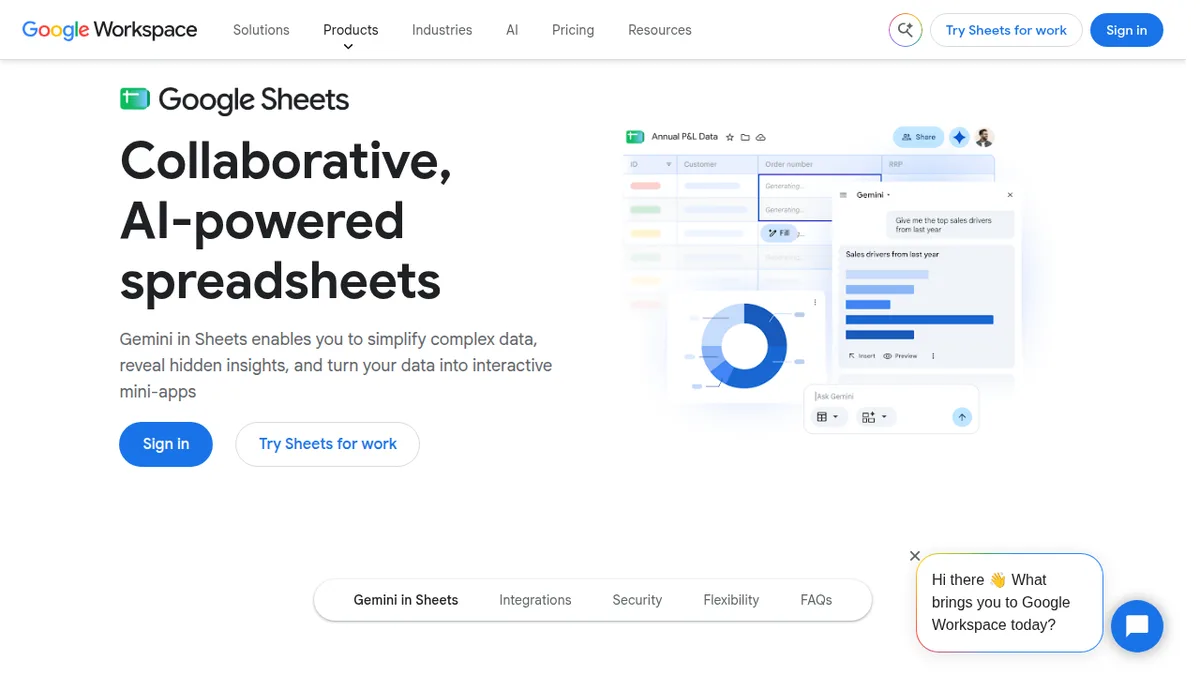
Gemini is Google’s own answer, and it comes in two parts. The side panel can create tables and formulas, generate data analysis and insights, build charts, and apply actions such as conditional formatting, pivot tables, filters and sorting, according to Google’s help page.
The second part is the AI function. You type =AI("prompt", range) (or =Gemini()) into a cell, and it can generate text, summarise, categorise, run sentiment analysis and pull current information from Google Search. That makes it a direct way to tag a column of survey answers or product names.
The limits are documented too:
- You need an eligible Google Workspace or Google AI plan; there is no standalone free tier described on the help pages.
- The AI function only sees the range you give it, not your whole spreadsheet or other Drive files.
- Only the first 350 selected cells with AI functions are generated per selection, and hitting a long-term generation limit means waiting 24 hours.
- Responses are text only, and AI functions cannot be nested inside other functions such as IF.
- Gemini works best with native Google Sheets files, so convert .xlsx files first, and Google warns that its output may be inaccurate.
Best for: people who already have an eligible Google plan and want the least setup. Google lists plan details on its own pages, so check which plan includes it before you buy anything. For the Excel-side equivalent, see our guide to AI tools for Excel.
Numerous
Numerous describes itself as a way to use ChatGPT inside Google Sheets and Excel. You call it from any cell with an =AI function, and the page says you do not need your own API key. Its onboarding page adds an =INFER function, which learns a task from examples you give it, and a way to generate complicated spreadsheet formulas from a plain-English description. It also mentions long-term caching of results to avoid duplicate queries, and lists uses such as ad copy, keyword ideas, summarising, categorising and cleaning up text.
Pricing is the weak spot. As of November 2026, Numerous’s old pricing link redirects to its home page, and neither the home page nor the onboarding page lists plans or prices; you see them only when you start the payment step. The site does say one plan can be shared by everyone on your team.
Best for: a simple, no-key way to use a ChatGPT-style prompt in a cell, in either Sheets or Excel.
SheetAI
SheetAI is a Google Sheets add-on, installed from the Google Workspace Marketplace. You write one formula, such as =SHEETAI("Write a one-line product description for "&A2), and drag it down. It also has an image formula that generates one image per row, and the page mentions video and music through Replicate models.
It has the most flexible pricing of the group:
- Free: bring your own OpenAI, Claude, Gemini or Grok key and pay your provider. The page says it adds no markup on your key.
- Starter: $12 a month, no key needed, up to 500 AI calls a month.
- Pro: $29 a month, no key needed, aimed at heavy use; the page gives no call limit.
- Credit packs: one-off purchases from $29 to $299, with no subscription.
The page does not describe a free trial of the hosted plans, nor what exactly counts as an “AI call”. It works with Google Sheets only.
Best for: bulk row-by-row work in Google Sheets, especially if you are happy to use your own API key. We also have an older SheetAI write-up for background.
Autosheet (formerly GPT for Work)
Autosheet describes itself as “the AI agent for all your spreadsheet work”, covering formulas, formatting, translation and row-by-row enrichment. It was formerly known as GPT for Work and is offered as GPT for Sheets and GPT for Excel. If you used the old name, this is the same product after a rename.
Per its pricing page, Standard is $25 a month for an individual and includes $25 of usage, with extra usage available. Business is $45 per seat per month with team management and bring-your-own-key options, and Enterprise is custom. It is free to install, with free credits to start and no card needed, though the page does not say how many credits. Included usage resets each cycle and does not roll over.
Best for: people who want an agent that edits and formats the sheet, not just fills cells, and who are comfortable paying for usage.
Better Analyst (formerly Formula Bot)
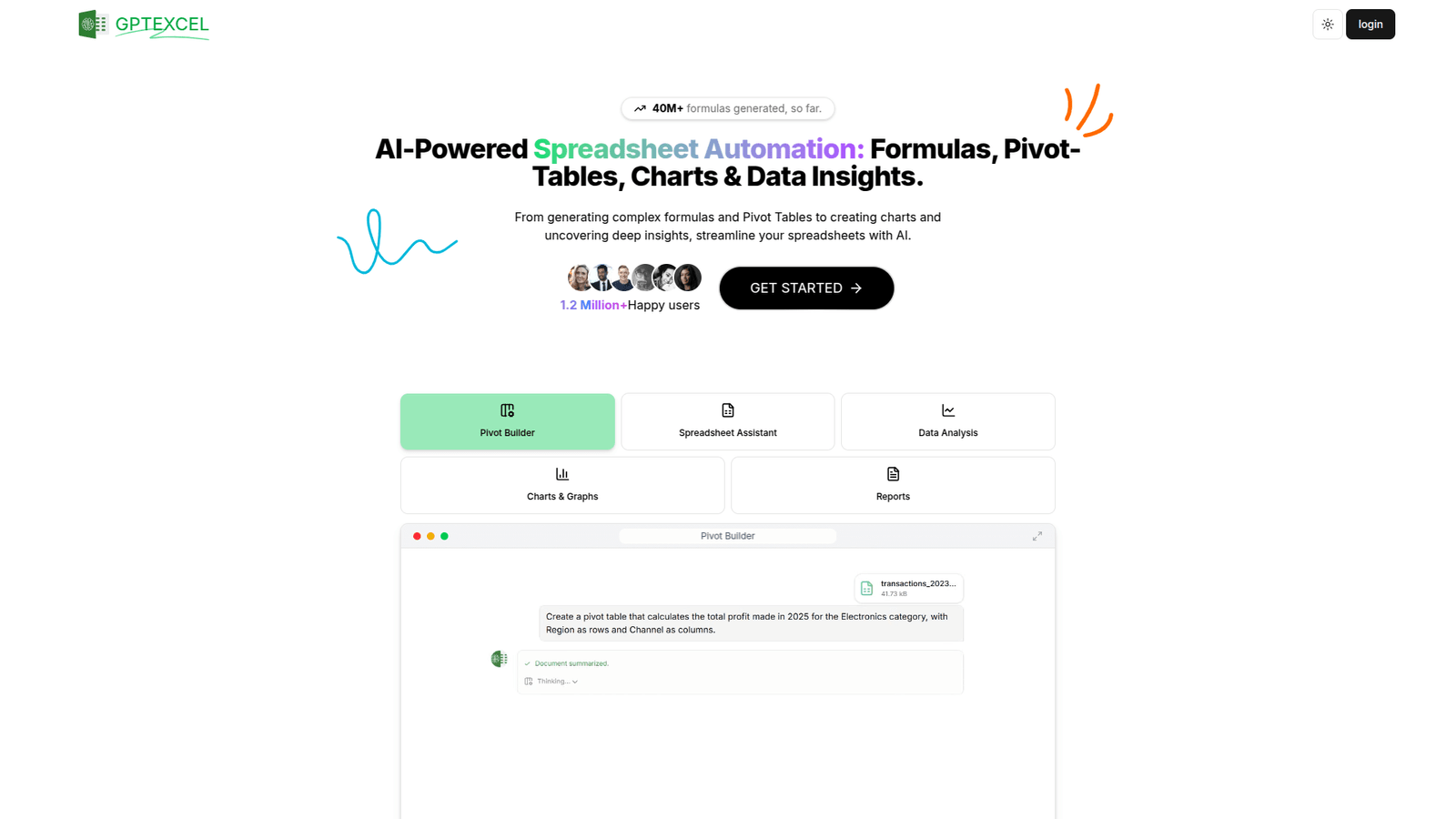
The vendor’s page says “Formula Bot is now Better Analyst”, with the same account carried over and formulabot.com redirecting to betteranalyst.com. It still has a Google Sheets formula generator (describe what you need in plain English and get a working formula) and the same for Excel, and now adds connected data sources, dashboards and reports.
Google Sheets support works through a connector rather than an add-on inside your sheet: per its integrations page, you connect a sheet so Better Analyst can sync the data for analysis, dashboards, reports and scheduled refreshes. Its Data Flows can also write cleaned results back to a Google Sheets tab, for example a weekly tab of Google Analytics, Search Console and Google Ads data. The site does not describe a Marketplace add-on, so you work in Better Analyst’s own chat, not in a cell formula.
It has a free plan with no card needed: 10 chat messages and 100 AI credits a month, one dashboard and one data source. As of November 2026, Pro is $30 a month billed monthly, with 3,000 credits, and the page says annual billing saves up to 33%. Team is $149 a month for 5 people, plus $15 a month per extra person. Chat, charts and dashboards do not use credits; bulk work does, for example 1 credit per enriched row, and extra credits cost $10 per 1,000 on paid plans. Our earlier Formula Bot review covers the product under its old name.
Best for: people who mostly want formula help and analysis rather than prompts in cells.
How to choose
- You already pay for a Google plan that includes Gemini: try Gemini in Sheets first. It adds no extra subscription.
- You need the same prompt on hundreds of rows: SheetAI (bring your own key) or Numerous. Compare each plan’s limits against your row count before you pay.
- You work in both Sheets and Excel: Numerous and Autosheet both list support for both.
- You mostly need formulas explained or written: Gemini’s side panel, Numerous’s formula generator or Better Analyst’s free plan.
- Budget is tight: SheetAI’s free plan and Better Analyst’s free plan cost nothing to start, though SheetAI’s API usage is billed by your provider.
Whichever you use, check results before relying on them. Google itself says Gemini output can be inaccurate, and the same applies to any model-based tool. Keep sensitive data in mind too: read each vendor’s privacy terms before you send customer or financial data to an add-on.
FAQ
Is there a free AI for Google Sheets?
Partly. SheetAI’s free tier needs your own API key, and you pay the provider. Better Analyst has a free plan with 10 chat messages and 100 AI credits a month. Gemini in Sheets requires an eligible Google plan.
Does Google Sheets have built-in AI?
Yes. Google documents a Gemini side panel and an =AI() function, available on eligible Google Workspace or Google AI plans.
Which AI works in both Sheets and Excel?
Numerous and Autosheet both say they support both. For a wider view of the Excel side, see our GPT Excel guide.