Canva vs Adobe Express vs Venngage for Social Graphics
Canva vs Adobe Express comes down to what you make most. Adobe Express suits social posts and short videos if you want AI image tools and a scheduler in one app. Venngage suits infographics, reports and charts. Canva is the widest all-rounder, with the biggest template library and social scheduling on its paid plans.
The details below come from each tool’s own pricing and product pages. Canva shows its prices in your local currency, so this post compares its plans by features and sends you to its pricing page for the number.
At a glance
| Canva | Adobe Express | Venngage | |
|---|---|---|---|
| Free plan | Yes | Yes, US$0 | Yes, US$0 |
| Paid individual plan | Pro, priced in local currency (pricing page) | Premium, US$9.99 a month | Premium, US$19 monthly or US$10 a month on the yearly toggle |
| Team plan | Business, per person (Teams is closed to new sign-ups) | Teams, 2-seat minimum | Business, US$49 monthly or US$24 on the yearly toggle, per user |
| Strongest at | General design | Social posts, short video, AI images | Infographics, reports, charts |
Canva
Canva has four plans: Free, Pro for one person, Business priced per person, and Enterprise through sales. Its pricing page lists:
- Free: more than 1.6 million templates and 4.7 million elements, one Brand Kit limited to three colours, and limited access to Canva’s AI tools.
- Pro: more than 3.6 million templates and 141 million elements, five Brand Kits, ten times the AI allowance of Free, and social scheduling.
- Business: everything in Pro plus 100 Brand Kits, approvals, collaboration and team admin tools, twice Pro’s AI allowance, and access to Flourish for data visualisation.
- Enterprise: 1,000 Brand Kits, SSO and SCIM provisioning, and central admin controls.
Canva Teams is no longer open to new sign-ups or upgrades. Existing Teams users stay on it, but new Business-only features won’t reach them. The AI tools on every plan draw on one shared monthly allowance, and heavier tools such as video generation use more of it.
Prices are shown in your local currency and paying yearly saves “from 16%”, according to the page. Until 4 December 2026, new monthly Pro and Business sign-ups get 50% off the first three months. Check the pricing page for your country. Our earlier posts cover Canva tools in more detail, for example Canva Magic Write for social posts.
Adobe Express
Adobe Express is described by Adobe as a design, photo and video app for social posts, images, videos and flyers. It also has Adobe Firefly AI tools for generating images, text effects and logos, plus quick actions such as background removal.
- Templates and assets: the free plan lists more than 345,000 static and video templates and more than 5,000 fonts.
- Video: a video editor with trimming, captions, resizing and a clip maker that turns longer videos into short clips.
- Scheduling: a content scheduler, listed under the Premium plan, lets you resize assets for different channels and schedule them. The free plan allows one account per social network.
- Brand kit: brand fonts and colours, with locking for teams, on Premium and above.
- PDF: Adobe says Express is integrated with Acrobat.
Venngage
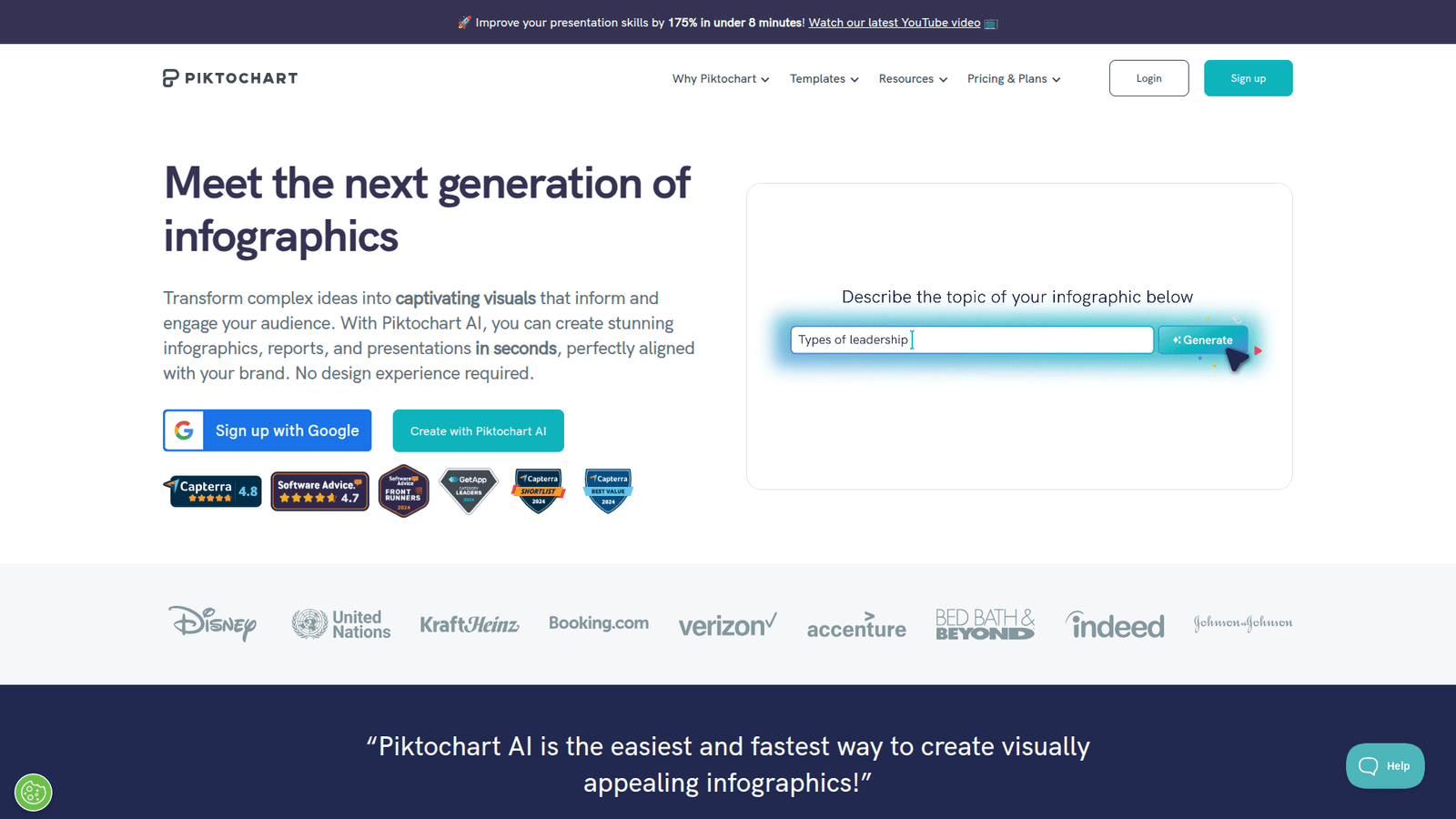
Venngage focuses on infographics, reports, posters, brochures and charts, with AI generators for many of those formats. It also lists accessibility tools such as a colour-contrast checker and automatic alt text.
Its paid plans are built around exports and brand control. The Business plan adds PDF and PowerPoint export, brand kits, team sharing and password-protected sharing. The free plan limits you to 5 designs and 6 image uploads, so it works as a trial more than a long-term plan.
For social graphics alone, Venngage is narrower than the other two, which list video and scheduling tools. For a data-heavy carousel or a one-page report, its chart and infographic focus is the reason to pick it.
Pricing side by side
Prices are as of November 2026 and change often. Check each page before you pay.
| Plan | Price on the vendor’s page |
|---|---|
| Adobe Express Free | US$0 |
| Adobe Express Premium | US$9.99 a month, 250 AI credits a month |
| Adobe Firefly Pro | US$19.99 a month, 4,000 credits a month |
| Adobe Express Teams | US$4.99 per licence a month for the first year, then US$7.99; 2-seat minimum |
| Venngage Free | US$0, 80 daily AI credits |
| Venngage Premium | US$19 monthly; US$10 on the yearly toggle (page says save 51%) |
| Venngage Business | US$49 per user monthly; US$24 on the yearly toggle |
| Venngage Enterprise | From US$499 a month, minimum 10 members |
| Canva Free | Free |
| Canva Pro and Business | Shown in local currency; yearly billing saves from 16%. See canva.com/pricing |
| Canva Enterprise | Through Canva’s sales team |
Adobe’s page is inconsistent about Premium storage (100GB in one place, 10GB in another), so confirm it before you rely on it. Venngage’s yearly prices are read from the toggle on its pricing page; confirm the billing terms at checkout.
Which to choose
- Choose Adobe Express if you make social posts and short videos and want AI image generation and scheduling in the same place, especially if you already use Adobe apps.
- Choose Venngage if your graphics are infographics, reports or data charts, or if accessibility checks matter to you.
- Choose Canva if you want the widest general-purpose tool, the biggest template library and social scheduling on Pro. Try the free plan first, and pick Business if several people need to work to one brand.
If none of these fits, see our list of AI design tools or the Visme and Microsoft Designer guides.