Best AI Tools for Making Shorts and Reels
For turning long videos into YouTube Shorts and Reels, OpusClip and Wisecut are built around finding clips in a recording for you, while CapCut is a full editor with AI features for people who want to cut the video themselves. Which is best depends on whether you start from a long recording or from raw footage.
This list compares the three on what their own sites say about features, pricing and limits. It is not based on hands-on testing, and plans change often, so check each pricing page before you pay.
Quick comparison
| Tool | Best for | Free option | Paid plans listed (as of November 2026) |
|---|---|---|---|
| OpusClip | Clipping podcasts, interviews and streams | Yes: one clip a day, watermark on animated caption templates | Starter $15/mo, Pro $29/mo, Business custom |
| CapCut | Editing short videos by hand with AI help | Yes: free templates and basic editing | Pro $19.99/mo or $179.99/yr, Ultra $79/mo or $900/yr, Teams per seat |
| Wisecut | Clips plus automatic publishing | Yes: 30 min of editor time a month, 480p | Starter+ $33/mo, Professional+ $118/mo |
OpusClip
Best for: creators with long recordings who want ready-made vertical clips.
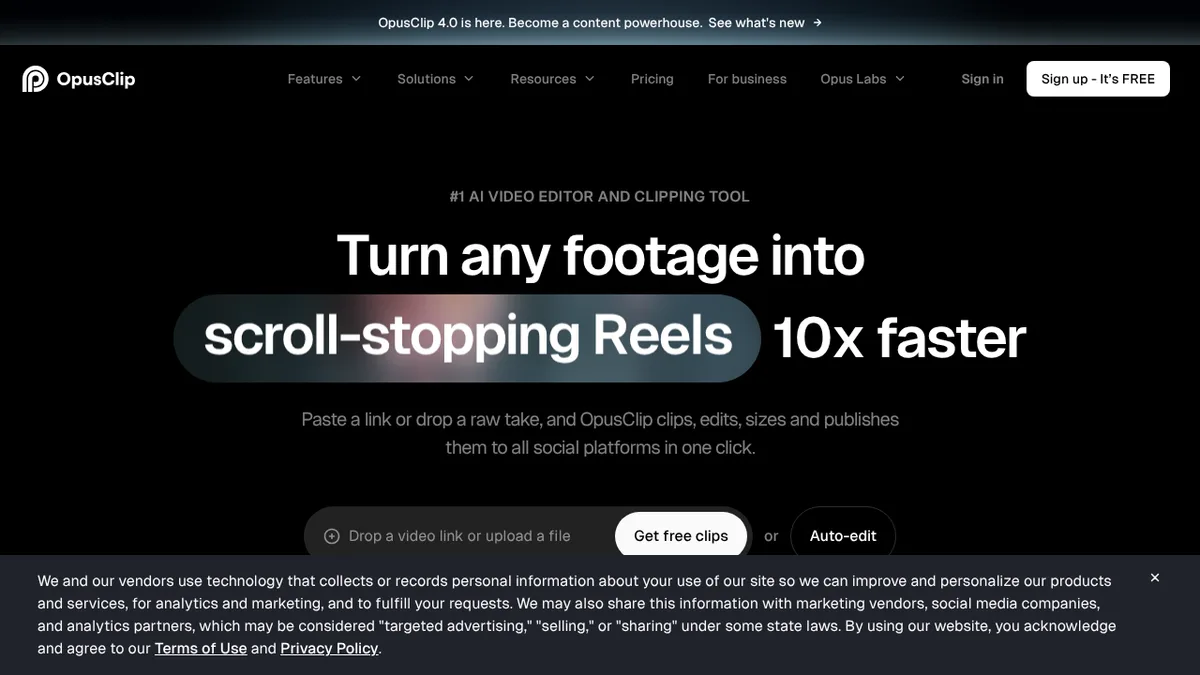
OpusClip describes itself as an AI tool that turns long videos into short clips for social media. Its ClipAnything model looks for strong moments in podcasts, vlogs, gaming, sports and interviews, and you can describe a moment in plain language to have it clipped. It then adds captions, reframes the video for vertical formats with object tracking, and can publish to social platforms in one click.
- Captions: added automatically and editable, in many languages.
- Brand templates: fonts, colours, logo and intro/outro, plus a team workspace.
- Control: you can let the AI edit or adjust everything by hand.
On the pricing page, the free plan lets you post one clip a day with no card, with uploads up to 10 GB and exports up to 1080p, but animated caption templates carry a watermark and media storage expires after three days. Starter ($15/mo) and Pro ($29/mo) include watermark-free export. The page does not state credit or minute allowances, so check what your volume would cost before committing.
CapCut
Best for: people who want to edit Shorts and Reels themselves, with AI shortcuts.
CapCut calls itself an AI-powered video editor and runs on desktop, online and mobile. Its site lists AI captions, text to speech, a background remover, a video enhancer and EditPilot, which turns written direction into timeline edits. It also lists AI video and image generation tools on paid plans. The page does not mention an automatic “find the best clip” feature, so for long-recording repurposing it works differently from OpusClip and Wisecut: you decide the cuts.
The pricing page shows a free plan with templates and basic editing. Pro costs $19.99 a month or $179.99 a year and includes 1,200 monthly AI credits, 1 TB of storage and premium templates; Ultra costs $79 a month or $900 a year with 8,645 credits. Teams is priced per seat. Pro lists a 7-day free trial, and the page notes that availability and final prices vary by region and billing channel.
Wisecut
Best for: turning long videos into edited clips and posting them on a schedule.
Wisecut’s site calls it agentic AI video editing. It finds highlights, removes silences and false starts, adds captions and hook titles, reframes to vertical, square or horizontal, and adds zoom-ins for emphasis. Audio tools include noise removal and background music that lowers when someone speaks. Its Social Hub schedules and publishes clips, and Autopilot can find, edit and post clips from new videos automatically.
Wisecut’s pricing page works on credits: the editor uses one credit per processed minute and Autopilot two. The free plan has 30 credits, 30 minutes of editor time a month, exports up to 3 minutes at 480p, and no watermark. Starter+ is $33 a month (300 credits, 1080p) and Professional+ is $118 a month (1,200 credits, 4K). Extra credit packs start at $25 for 150 credits. Free-plan access to Autopilot is unclear on the page.
If your clips need subtitles checked in other languages, see our guide to AI subtitle tools.
How to choose
- You have podcasts, streams or interviews to repurpose: OpusClip or Wisecut. Both find clips for you; Wisecut adds heavier editing tools and scheduled posting, OpusClip has a lower entry price on its site.
- You shoot short vertical videos and want control: CapCut. The free plan covers basic editing, and paid plans add AI credits.
- You publish daily and want it automated: Wisecut’s Autopilot is designed for that; OpusClip offers one-click publishing.
- You edit spoken video as text: look at Descript or our wider list of AI video editors.
- You need a presenter without filming: an avatar tool such as HeyGen can supply one, and ElevenLabs covers voiceovers.
Start with the free plans: each lets you try the workflow on one of your own videos before paying, and the limits (watermarks, resolution, storage) show quickly whether a paid plan is needed.