HeyGen Review: AI Avatars for Social Media Videos
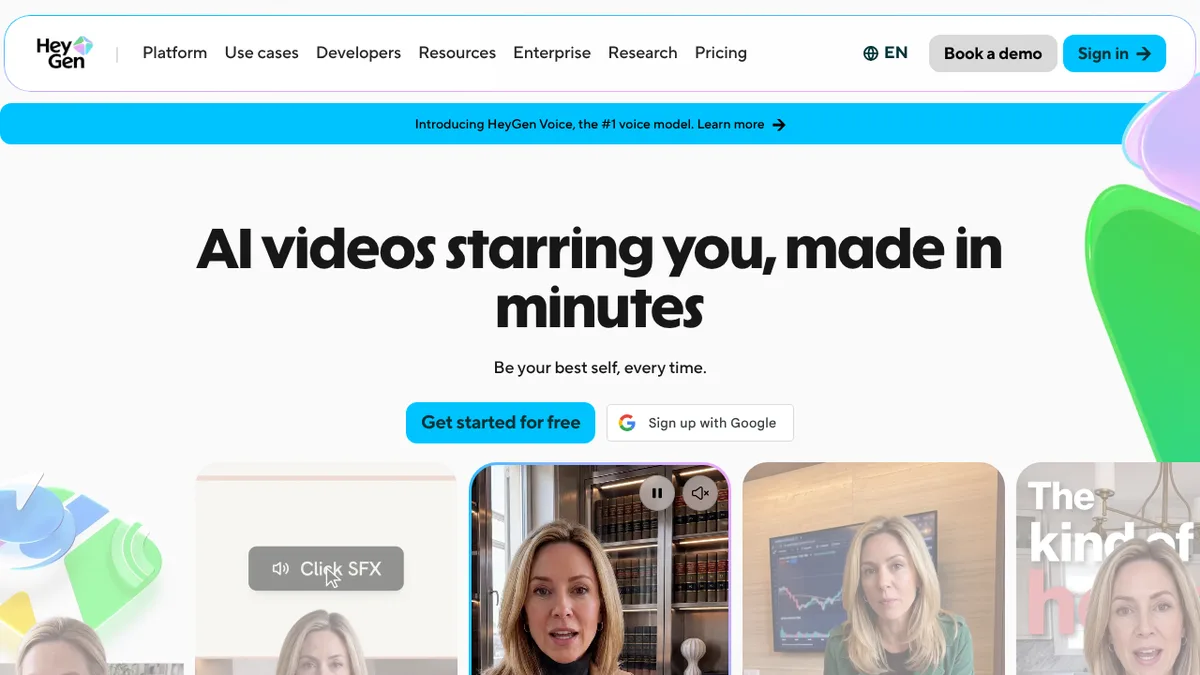
HeyGen is an AI video platform that turns a script, prompt or document into a video with a talking avatar. It suits marketers, course creators and small teams who want presenter-style videos without filming. This review covers what it does, what each plan includes and where its limits are, with Synthesia as the closest alternative.
What HeyGen is and who it is for
HeyGen describes itself as a platform for videos with AI avatars, including avatars based on your own likeness, plus video translation, voice cloning and an API. Its site points to marketing and sales teams, e-learning teams, agencies, localisation teams and developers building on the API.
The newest avatar model it advertises is Avatar V, which it says keeps a person’s identity consistent across angles and video lengths. Custom avatars require on-camera identity verification from the person shown, which is worth knowing if you plan to make an avatar of someone else.
Key features
- Video Agent: generates a video from a text prompt.
- Several input types: text, image, audio, and PowerPoint or PDF files can all become videos.
- AI Studio: a text-based editor where you control the script, tone, gestures and emotion, with a Brand Kit and automatic captions.
- Video translation: translates an uploaded video or a YouTube link with voice cloning and lip-sync. HeyGen lists “175+ languages and dialects” on paid plans and 30+ on the free plan.
- Photo avatars and voice cloning: turn a still image into a presenter or reproduce a voice.
- API: HeyGen for Developers covers Video Agent, video generation, translation and lip-sync.
For short social clips, the practical draw is speed: you write or paste a script, pick an avatar and a voice, and export. Translation is the other big use, since one recording can be republished for other audiences.
HeyGen pricing
As of November 2026, HeyGen’s pricing page lists these plans:
| Plan | Price | Credits | Max video length | Export |
|---|---|---|---|---|
| Free | $0 | Not listed | 1 minute | Watermarked |
| Creator | $29/month ($24/month billed yearly) | 600/month | 30 minutes | Up to 1080p |
| Pro | From $49/month | 1,000/month, higher tiers available | 30 minutes | Up to 4K |
| Business | $149/month plus $20 per extra seat | 1,500/month | 60 minutes | Up to 4K |
| Enterprise | Custom | Set to usage | No maximum | Up to 4K |
The free plan allows up to three watermarked videos a month, with one custom video avatar, 500+ stock avatars and no card required. Credits are one shared currency across features, and how many a video uses depends on the model, length and complexity, so the monthly credit count does not translate directly into minutes of video. The page also says unused credits roll over for one month on Creator, and that downgrades take effect at the end of the billing cycle.
Strengths and limitations
Strengths
- A usable free plan with no card, so you can test output before paying.
- Wide language coverage for translation.
- Several ways in: prompt, script, slides or an existing video.
- Watermark removed from the first paid tier.
Limitations
- Credit-based billing makes real costs hard to predict from the pricing page alone.
- The free plan is watermarked and capped at one minute per video.
- The highest-quality avatar model and 4K export sit on Pro and above; Creator gets only limited access to Avatar V.
- Avatar videos are best at presenter-style content. The research for this post did not include independent quality tests, so judge realism on your own sample before committing.
HeyGen vs Synthesia
Synthesia is aimed more squarely at business and training use. Its homepage lists teams such as learning and development, HR and sales enablement, and features such as SCORM export, approval workflows and Roleplay Sessions.
| HeyGen | Synthesia | |
|---|---|---|
| Free plan | Yes, 1-minute watermarked videos | Basic: 500 credits/month, about 10 minutes, watermarked |
| First paid plan | Creator, $29/month | Starter, $19/month or $14/month billed yearly |
| Stock avatars (free plan) | 500+ | 9 |
| Languages | 175+ for translation | 140+ for video creation |
| Strongest pull | Social, marketing, translation | Training, compliance, internal comms |
Synthesia’s Starter plan lists 125+ stock avatars, while its Pro plan is $89/month ($59/month billed yearly). Check the Synthesia pricing page for current figures, since its credit tiers are more involved than the headline prices.
If you want other options in this space, see our roundup of AI avatar tools, or our posts on Colossyan and D-ID.
Who should use HeyGen
HeyGen fits you if you:
- publish presenter-style videos regularly and want to skip filming;
- need the same video in several languages;
- want to try a tool free before paying.
Look elsewhere, or test carefully first, if you:
- need highly predictable monthly costs;
- mainly want internal training with approval workflows, where Synthesia’s feature list is a closer match;
- want a presenter that looks natural in every scene without checking samples.
Verdict
HeyGen is a practical choice for creators and small marketing teams that want avatar videos and translation in one place, and the free plan makes it easy to check the fit. Its main weaknesses are credit-based costs and the fact that its best avatar model sits behind higher plans. Compare a short sample from HeyGen and Synthesia with your own script before choosing.