Granola AI Review: Meeting Notes Without a Bot
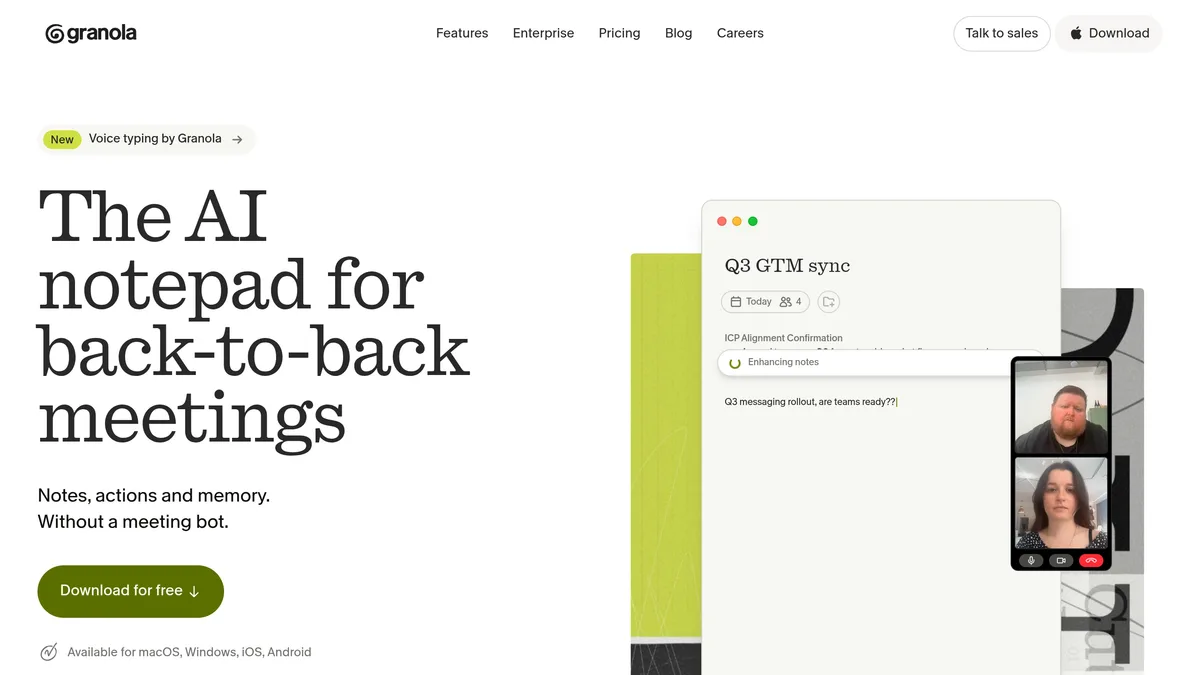
Granola is an AI notepad for meetings that records nothing visible: no bot joins your call. It listens to your computer’s audio, transcribes in real time and turns the transcript plus your own jotted notes into a structured summary. This Granola AI review covers how it works, what the free plan includes, what the paid plans add and where it stops, using Granola’s own site and documentation.
What Granola is and who it is for
Granola describes itself as “the AI notepad for back-to-back meetings”. It is an app for macOS and Windows, with iPhone, Android and Apple Watch versions. On a desktop it captures your microphone and the meeting audio playing on your computer, so it works with Zoom, Google Meet, Microsoft Teams and other meeting apps without inviting a bot.
That makes it a good fit for people who:
- join many calls where a visible recording bot would feel awkward, such as client or sales calls
- like typing a few rough notes and having AI fill in the gaps
- want meeting notes they can ask questions of later
It is less obviously suited to teams who want every meeting recorded automatically, because Granola does not auto-join or auto-record anything.
How Granola works
Granola’s documentation describes a simple flow:
- You start it. Transcription begins only when you open a meeting note after its start time, click a meeting notification, or create a new note. According to the docs, Granola never transcribes in the background unless you have opened a note.
- You write what matters. Type as much or as little as you like during the call.
- It writes the summary. When the call ends, Granola generates notes from the transcript, your private notes, the calendar event and your profile details.
- You check and edit. Hover over a line in the summary to see the transcript quotes it came from, then edit it, switch template or regenerate.
The web app at notes.granola.ai only views and edits existing notes. Capturing a meeting needs the desktop or mobile app.
Key features
- AI-enhanced notes with templates. Notes follow a template, for example for sales calls, 1:1s or stand-ups, so the structure stays consistent across meetings.
- Granola Chat. Ask questions across one meeting or many, with citations back to the source. Saved prompts called Recipes can draft follow-up emails or pull out action items.
- Briefs. Before an external meeting, Granola can show who is attending, what you discussed last time and what matters now. Granola announced this on 20 May 2026 for Mac and Windows.
- Speaker tags. Set up for Google Meet, Zoom and Microsoft Teams on macOS and Windows, so the transcript can show who said what.
- Integrations. Slack, Notion, Zapier, HubSpot, Attio and Affinity are listed on the pricing page, plus MCP (to use your notes in Claude, ChatGPT, Cursor and similar tools) and an API.
- Mobile and Apple Watch. Android launched on 1 July 2026 and the Apple Watch app on 28 July 2026. The mobile app is described as built for in-person meetings and phone calls.
- Languages and voice typing. Granola said on 2 September 2026 that it supports 32 languages, and voice typing works in any app and is free for all users.
Is Granola free, and what does it cost?
Granola’s pricing page lists three plans. Prices are as of November 2026 and may change.
| Plan | Price | What changes |
|---|---|---|
| Basic | $0 per user per month | AI notes, shared folders, templates, voice typing, 30 days of meeting history |
| Business | $14 per user per month | Unlimited history, model selection in chat, Notion, Zapier, HubSpot and other integrations, API access, pre-meeting briefs, follow-up emails, centralised billing |
| Enterprise | From $35 per user per month | SSO, admin controls, usage analytics, org-wide retention and auto-deletion, HIPAA-compliant workspaces, advanced integrations such as Salesforce |
So yes, Granola has a free plan, and the pricing page says it is a good way to get “a free taste”. The main limits on Basic are the 30-day meeting history, no Notion or Zapier-style integrations, no API, and MCP access limited to personal notes from the last 30 days. Granola’s billing help page settles the billing period: Business is billed monthly, and annual billing is available only on Enterprise contracts, where $35 per user per month is the starting price. Granola also offers 12 months of Business free for accepted startups and students.
Privacy and consent
Because Granola has no visible bot, the privacy details matter more than usual. From the security page:
- It does not store meeting audio. It transcribes in real time on macOS and Windows, or from temporarily cached audio on mobile, and keeps the transcript and your notes.
- Notes are private by default until you share them.
- Data is stored in US-hosted AWS infrastructure, encrypted at rest and in transit. Granola reports SOC 2 Type 2 compliance, achieved in July 2025.
- Third-party AI providers such as OpenAI and Anthropic are not allowed to train on your data. Granola itself trains on anonymised data, and each user can opt out in Settings. Enterprise users have training turned off by default.
On consent, Granola’s own advice is to ask permission before transcribing others, and it notes that depending on where participants are, you may be required to get it. It offers a feature that sends an automated message at the start of a meeting to tell others Granola is in use. Not having a bot does not remove that responsibility, and if you are unsure what applies, ask a legal professional.
Strengths and limitations
Strengths
- No bot in the call, and nothing starts without you opening a note
- Your own notes steer the summary, and you can trace lines back to the transcript
- A real free plan, plus voice typing free for everyone
- Notes can feed other AI tools through MCP
Limitations
- Basic keeps only 30 days of history
- You have to start it yourself, so a forgotten meeting is a missed meeting
- Desktop capture is for macOS and Windows; the web app cannot record
- It relies on cloud processing for transcription and summaries, and you cannot bring your own models
- Granola’s pricing page lists SSO for enterprise workspaces of 50 or more users, which rules out small teams that need it
Granola’s own site is the source for all of the above; there is no independent testing behind this article, so read user reviews of accuracy on your meeting types before relying on it.
Who should use Granola, and who should not
Choose Granola if you attend many calls, prefer to take light notes yourself and want a summary without a bot appearing. The free plan is enough to try it on a few meetings.
Look elsewhere if you want bots that join and record every call automatically, or need a long history on a free plan. Our comparison of tl;dv, Otter and Fireflies covers three bot-based options, and our roundups of AI meeting summary tools and AI note-taking apps list more. If you want a closer look at one alternative, see our Fathom post.
FAQ
Is Granola AI free?
Yes. The Basic plan costs $0 and includes AI meeting notes, templates, shared folders and voice typing, with 30 days of meeting history. Business is $14 per user per month, billed monthly, and Enterprise starts at $35 per user per month, with annual billing on Enterprise contracts only, as of November 2026.
Does Granola join my meeting as a bot?
No. It uses your computer’s audio, so no bot is added to the call. Granola recommends asking participants for permission anyway.
Does Granola record audio?
According to its security page, Granola does not store the audio. It keeps the transcript and your notes.
Which meeting apps does Granola work with?
The desktop app works with Zoom, Google Meet, Teams and other meeting apps, since it captures your computer’s audio.
Verdict
Granola is a focused tool: a notepad that turns your rough notes and a live transcript into clean summaries, without a bot. The free plan is a low-risk way to see whether it fits your meetings, and Business at $14 per user per month adds the history and integrations most teams will want. Check consent rules for your meetings before you use it.