tl;dv vs Otter vs Fireflies: Best AI Meeting Notes Tool
tl;dv, Otter and Fireflies all record or transcribe your calls and turn them into searchable notes, so the choice rests on price, recording style and which free plan fits you. On the numbers each company publishes, tl;dv has the widest language claim (100+ languages) and a bot-free desktop recorder, Otter has the most generous free transcription allowance on its pricing page (300 minutes a month), and Fireflies is the cheapest paid option per seat when billed annually.
This comparison uses only what the three companies say on their own sites. No one has tested the tools for this article, so it makes no claim about whose summaries or transcripts are more accurate.
Short answer
| tl;dv | Otter | Fireflies | |
|---|---|---|---|
| Free plan | Yes (“Free forever” on its site) | Basic: 300 transcription minutes a month | Free forever: unlimited transcription, limited AI summaries |
| Pro plan, billed annually | €18 per seat a month | $8.33 per user a month | $10 per seat a month |
| Pro plan, billed monthly | €29 per seat | $16.99 per user | $18 per seat |
| Business plan, billed annually | €29 per seat a month | $19.99 per user a month | $19 per seat a month |
| Bot-free recording | Yes, desktop app | Yes, desktop app and Chrome | Not confirmed from the pages read |
| Transcript languages | 100+ | “Multiple languages” (number not stated) | 100+ on every plan listed |
- Pick tl;dv if you want a free plan to start with, bot-free desktop recording and EU-based data storage.
- Pick Otter if you want the biggest stated free minute allowance and AI chat across meetings.
- Pick Fireflies if price per seat matters most or you want an AI assistant with its own workflow features.
tl;dv
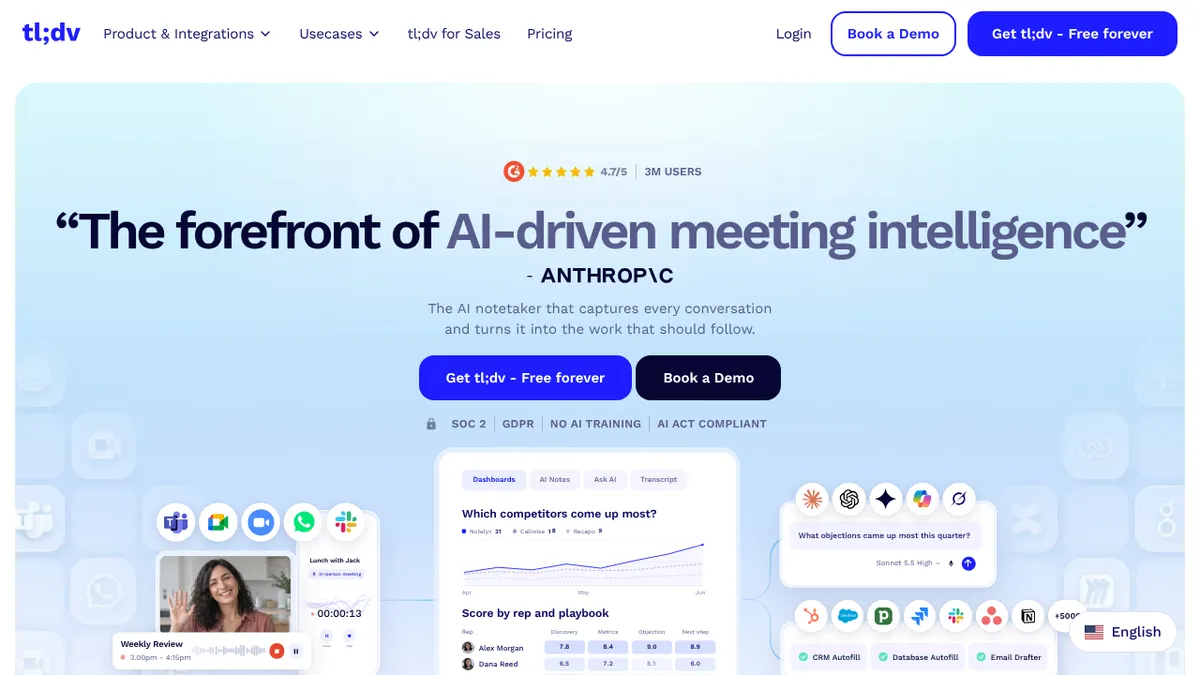
tl;dv calls itself an AI notetaker that captures conversations and turns them into follow-up work. Its site lists these features:
- Recording in three ways. A bot that joins Google Meet, Zoom and Microsoft Teams calls (with auto-join from your calendar), a bot-free desktop app that detects calls on your computer, and a mobile app for in-person meetings. It also lists a Chrome extension, file upload and pasting a meeting link.
- Transcripts and summaries in 100+ languages, with each line labelled by speaker and timestamp.
- Ask your meetings. A built-in Ask AI, plus a way to connect tl;dv to the AI tool you already use.
- Integrations. The site mentions 5,000+ integrations, CRM syncing and an API, and its sales pages cover coaching playbooks and CRM updates.
- Data handling. It says meetings are stored and processed on servers inside the European Union and are never used to train AI models, and shows SOC 2 and GDPR badges.
Pricing. The pricing page lists prices in euros: a Free plan, Pro at €29 per seat a month or €18 a month billed annually, and Business at €39 a month or €29 a month billed annually. The page loads its plan details with JavaScript, so the free plan’s limits are not covered here. Check them on the tl;dv pricing page.
Otter
Otter is built around live transcription and AI chat. The product page lists:
- Capture options. An AI notetaker that joins Zoom, Microsoft Teams and Google Meet, bot-free recording from the Mac or Windows desktop app or a Chrome extension, and iOS and Android apps.
- AI Chat that searches across your meetings and connected apps to answer questions and draft follow-ups, reports and content.
- Automatic summaries with decisions and action items, and meeting workflows.
- An MCP server, so tools such as ChatGPT and Claude can access your meeting knowledge.
- Live transcription with speaker recognition in “multiple languages”. The pages read do not give a number.
Pricing as listed on its pricing page.
| Plan | Monthly billing | Annual billing | Main limits |
|---|---|---|---|
| Basic | Free | Free | 300 monthly transcription minutes, 3 lifetime file imports, Zoom, Teams and Meet |
| Pro | $16.99 per user | $8.33 per user a month | 1,200 in-app recording minutes, 90 minutes per meeting, 10 monthly file imports |
| Business | $30 per user | $19.99 per user a month | Unlimited meetings, up to 4 hours per meeting, 3 concurrent meetings, admin features |
| Enterprise | Custom | Custom | SSO, API and webhooks, HIPAA add-on |
The page also shows promotional prices, such as 20% off the Business monthly plan for 3 months. Treat the table as the list prices and check the current offer before buying.
Fireflies
Fireflies positions itself as an AI notetaker with an assistant called AskFred. Its pricing page lists:
- Transcription in 100+ languages, real-time notes and live transcription, meeting search, file upload, a desktop app, mobile apps, a Chrome extension and API access.
- Free plan. Unlimited transcription, limited AI summaries, 400 minutes of storage per team and 20 AI credits.
- Pro and above. Unlimited AI summaries, video recording, a personal assistant, an email assistant, AI skills, voice agents, action items and unlimited integrations. Pro includes 8,000 minutes of storage per seat; Business and Enterprise include unlimited storage.
- Data handling. It says it does not use your meetings, transcripts or conversations to train AI models and that its AI vendors are contractually barred from doing so. It lists SOC 2 Type II, and HIPAA readiness with a BAA on Enterprise.
Pricing as listed on its pricing page.
| Plan | Monthly billing | Annual billing |
|---|---|---|
| Free | $0 | $0 |
| Pro | $18 per seat | $10 per seat a month |
| Business | $29 per seat | $19 per seat a month |
| Enterprise | $39 per seat | $39 per seat a month |
The Business and Enterprise tiers also differ in AI credits (30 and 50 a month respectively, against 20 on Free and Pro).
Head-to-head: what decides the choice
Free plan. All three have one, and they limit different things. Otter limits minutes (300 a month) and imports. Fireflies advertises unlimited transcription but limits AI summaries and storage. tl;dv’s limits are not confirmed in this article. If you only join a few calls a week, any of them may be enough; if you want predictable limits, Otter’s are the easiest to read.
Bot or no bot. A bot that joins the call is visible to everyone and some clients dislike it. tl;dv and Otter both document a desktop route that records without a bot in the call. Fireflies lists a desktop app, but the pages read do not say whether it records bot-free, so check that before relying on it. Whichever you choose, tell participants you are recording; rules on consent vary by country and by company.
Languages. tl;dv and Fireflies both state 100+ languages for transcripts. Otter says only “multiple languages” for live transcription, so check that your language is supported.
Where data lives and how it is used. tl;dv states EU-based storage and processing and no AI training on your meetings. Fireflies states no training on your data and lists SOC 2 Type II. Otter’s pages read for this article do not make a comparable statement; check its security page if this matters for your company.
Price per seat. On annual billing for a Pro-level plan, Otter is the cheapest ($8.33), then Fireflies ($10), then tl;dv (€18). On monthly billing the order flips: Otter $16.99, Fireflies $18, tl;dv €29. Since tl;dv bills in euros, the dollar gap depends on the exchange rate.
AI assistant and integrations. Otter markets AI Chat across meetings and connected apps, plus an MCP server. tl;dv markets Ask AI and a connector to the AI tool you already use, and Fireflies markets AskFred and AI skills. All three offer CRM-style integrations; the pages do not give a basis for ranking how well they work.
Which to choose
- Solo professional or freelancer on a budget: start with the free plans of all three on a couple of real calls, then pay for the one whose limits you actually hit. Otter Pro and Fireflies Pro are the cheapest annual options.
- Clients who dislike a bot on the call: tl;dv or Otter, because both document bot-free recording.
- Multilingual calls: tl;dv or Fireflies, which both state 100+ languages.
- Data handled in the EU or strict privacy review: tl;dv’s EU storage statement is the clearest of the three, but ask each vendor for its security documents.
- Sales teams: all three list CRM features. Compare the CRM you use against each integration list before choosing.
If none of these fits, our guide to AI meeting summary tools covers more options, and there are shorter write-ups on Fathom and Avoma.
FAQ
Is there a free AI meeting notes tool?
Yes. tl;dv, Otter and Fireflies each have a free plan. Otter’s Basic plan includes 300 transcription minutes a month; Fireflies’ free plan includes unlimited transcription with limited AI summaries; tl;dv advertises a “Free forever” plan.
Do these tools need a bot in the meeting?
Not always. tl;dv and Otter both offer a desktop recorder that works without a bot joining. All three also offer a bot that joins calls. Always tell participants a meeting is being recorded.
Do they use my meetings to train AI?
tl;dv and Fireflies both say they do not use your meetings for AI training. The Otter pages read for this article do not state a position, so check its privacy policy.