Best AI Email Assistants: Shortwave vs Superhuman vs Gemini
The best AI email assistant depends on where your mail already lives. If you use Gmail with a Google Workspace or Google AI plan, Gemini in Gmail is the obvious first thing to try because it sits inside the inbox you have. If you want a dedicated AI-first email app, Shortwave and Superhuman Mail are the two to compare. This guide covers what each does, which inboxes it works with and how the pricing is built, using the companies’ own pages.
What this comparison covers
The three tools are compared on what their official pages and help documentation say: AI features, supported email accounts, and plans. This is not hands-on testing, so there are no claims about how well the drafts read. Prices below are as of November 2026 and change often, so check the linked pages before you buy.
| Shortwave | Superhuman Mail | Gemini in Gmail | |
|---|---|---|---|
| Type | Standalone email app | Standalone email app | AI built into Gmail |
| AI summaries | Yes, at the top of emails | Not mentioned on its product page | Yes, thread summaries |
| AI writing | Autocomplete, instant replies, writing that learns your style | AI drafting; Auto Drafts via Email Assistant | Drafts and refines emails |
| Inbox help | AI search, AI filters, assistant | Auto labels, Split Inbox, archiving low-priority mail | Archive, label, star and search after you confirm |
| Accounts | Page points to Gmail; Outlook answer not shown | Gmail and Outlook | Gmail |
| Free plan | None described; 14-day trial | Not confirmed | Needs an eligible Workspace or Google AI plan |
Shortwave: best for AI search and an assistant in the inbox
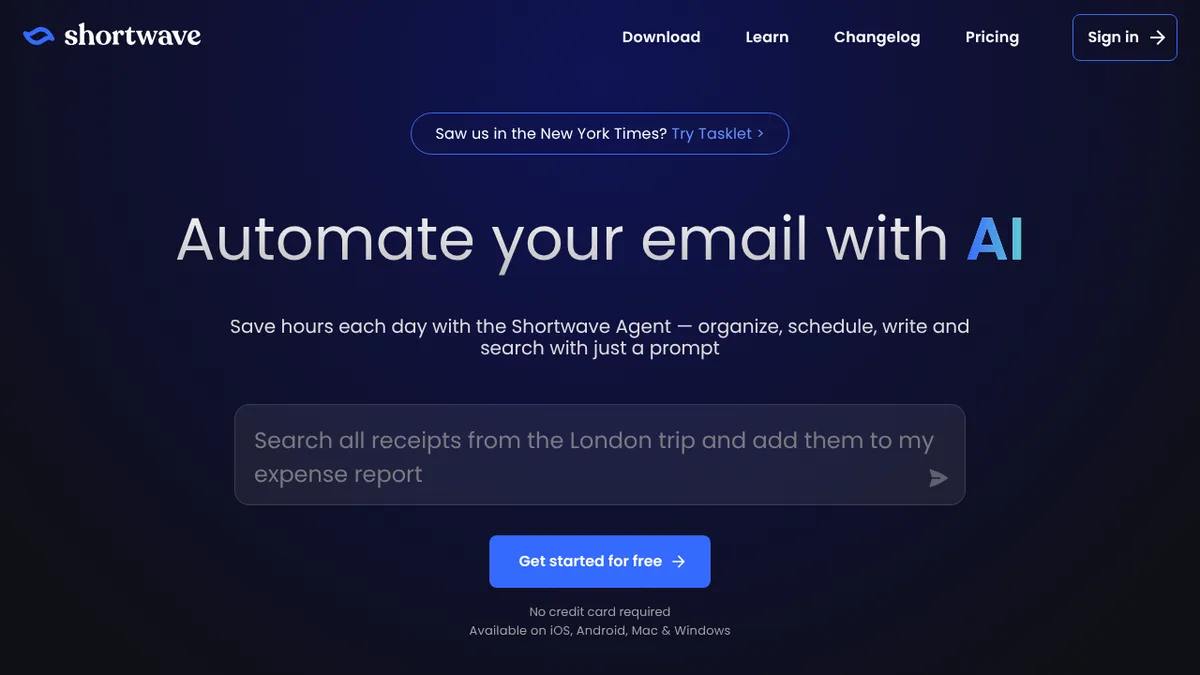
Shortwave’s pricing page describes an AI-powered email app for desktop, iOS and Android. Its AI features include:
- AI search that finds emails from a description instead of exact keywords.
- Summaries shown at the top of emails, and analysis of attachments such as PDFs.
- Writing help: predictive autocomplete, instant replies and writing that learns your style.
- An AI assistant that answers questions about your email and can check your calendar and send invites.
- AI filters that label, archive, delete or star mail based on a prompt you write.
Best for: people who want to talk to their inbox and search it in plain language, and teams that want shared threads and comments (the page lists shared threads, comments, assignees and shared labels).
The page does not say whether Outlook is supported, so if you do not use Gmail, check before signing up.
Superhuman Mail: best for fast triage with Gmail or Outlook
Superhuman describes Mail as “AI-native email” for teams that use Gmail or Outlook. According to its product page:
- Superhuman AI organises the inbox, helps with follow-ups and drafts emails.
- Email Assistant is a separate product that works inside Gmail or Outlook: it sorts incoming messages, applies auto labels, archives low-priority mail and writes an auto draft reply.
- Split Inbox groups incoming mail into categories such as team, VIP or tool notifications.
- Autocorrect fixes typing errors as you go.
Best for: teams on Gmail or Outlook that want automated sorting and drafts. The product page does not mention summaries, so do not assume them.
Gemini in Gmail: best if you already pay for Google’s plans
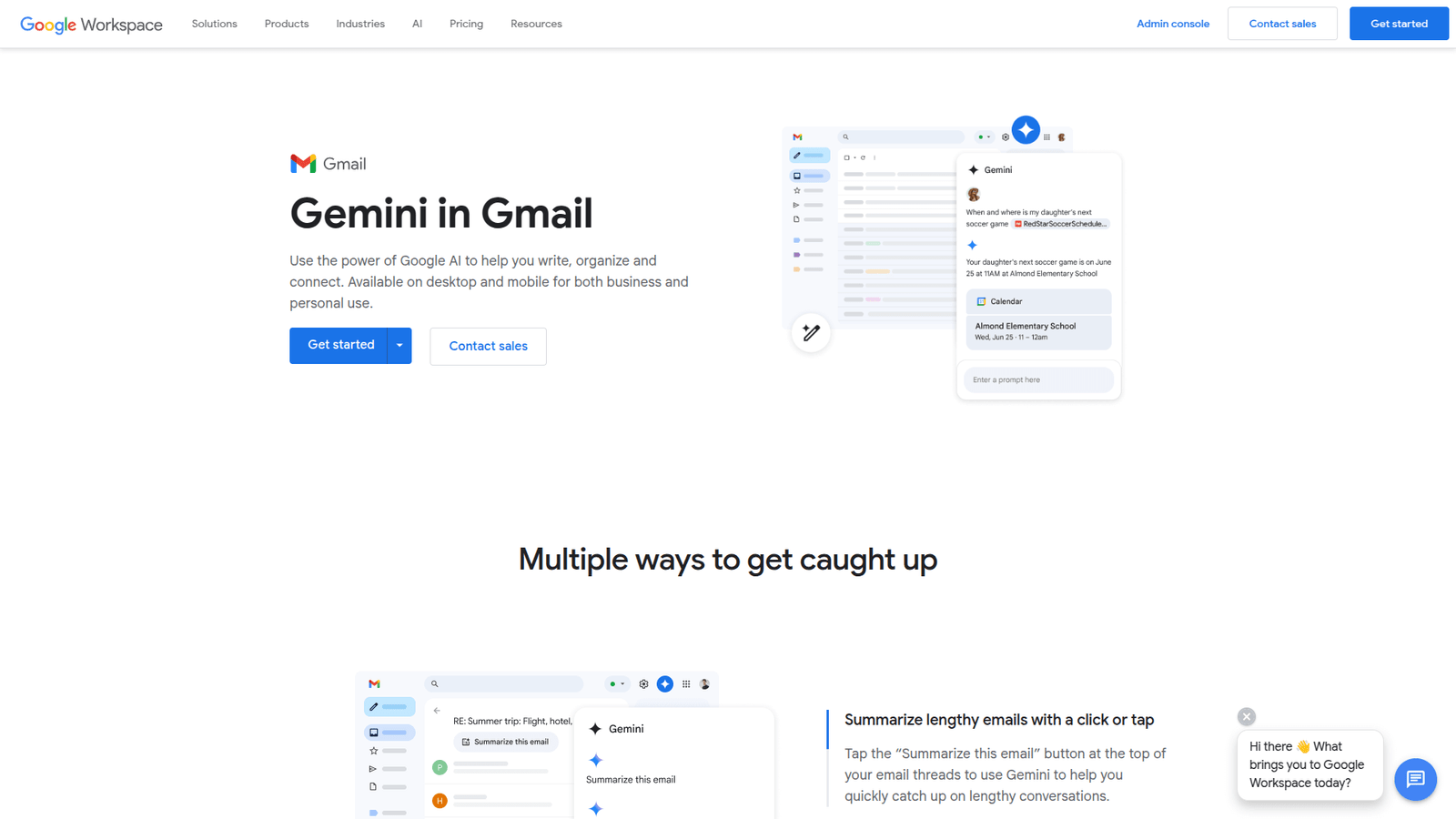
Google’s help page describes Gemini in Gmail as an inbox assistant. It can summarise long threads into bullet points, draft or refine emails for tone and clarity, search your mail for details such as flight times, and propose meeting times from your Google Calendar. It can also archive, delete, label or star messages, after you confirm the action.
It requires an eligible Google Workspace or Google AI plan. The Google Workspace pricing page marks Gemini in Gmail as available on Business Starter, Standard and Plus, though the prices did not display when the page was read. On the consumer side, Google’s AI plans page lists Google AI Plus, Pro and Ultra as including Gemini in Gmail; Pro is shown at $19.99 a month or $199.99 a year.
Best for: Gmail users who would rather not add a new app. For more on the Gmail side, see our earlier post on Gmail Gemini for email replies.
Pricing side by side
Shortwave lists three plans, all per seat per month: Business at $30, Premier at $45 (labelled most popular) and Max at $120. The difference is mostly AI usage and model level: Business includes roughly 150–300 standard AI requests a day, Premier doubles AI usage and Max gives six times. Higher plans also raise AI search history, thread limits per search and the number of AI filters (3, 10 and 50). There is a 14-day free trial; the page does not describe a free plan, and annual billing is not stated.
Superhuman Mail has a pricing page, but its prices did not load when read for this article, so this guide does not quote them. Check the Superhuman pricing page directly. Its pricing menu lists Mail, Go + Agents, Docs and Suite plans, so make sure you are looking at the Mail plan if email is all you need.
Gemini in Gmail has no separate price: it comes with an eligible Workspace or Google AI plan, so the cost depends on the plan you already have or choose.
How to choose
- You live in Gmail and already pay for Workspace or a Google AI plan: start with Gemini in Gmail. It costs nothing extra to try if your plan includes it.
- You want to search and ask questions about your mail in plain language: Shortwave’s AI search and assistant are built for that, and its tiers let you pay for more AI usage as you need it.
- You use Outlook, or want automated sorting and auto drafts: Superhuman Mail lists Gmail and Outlook support and an Email Assistant that labels and drafts.
- You mainly need replies written faster, not a new app: a writing tool may be enough; see AI email reply tools for other options.
Whichever you pick, read what an AI assistant is allowed to do with your mail before turning on actions such as archiving or deleting. Gemini asks you to confirm those actions; check the equivalent settings in any other tool.
FAQ
What is the best free AI email assistant?
None of the three pages read for this guide describes a permanent free plan for a standalone app: Shortwave offers a 14-day trial, and Gemini in Gmail needs an eligible Google plan. Check each provider’s page for current offers.
Which AI email assistant works with Outlook?
Superhuman’s product page says Mail is built for Gmail or Outlook teams. Shortwave’s page does not answer the Outlook question, and Gemini in Gmail is for Gmail.
Can AI email assistants write replies for me?
All three draft emails. Shortwave offers instant replies and autocomplete, Superhuman’s Email Assistant writes an auto draft reply, and Gemini in Gmail drafts and refines emails. Read drafts before sending.