
Framer AI Review: Building Landing Pages with AI
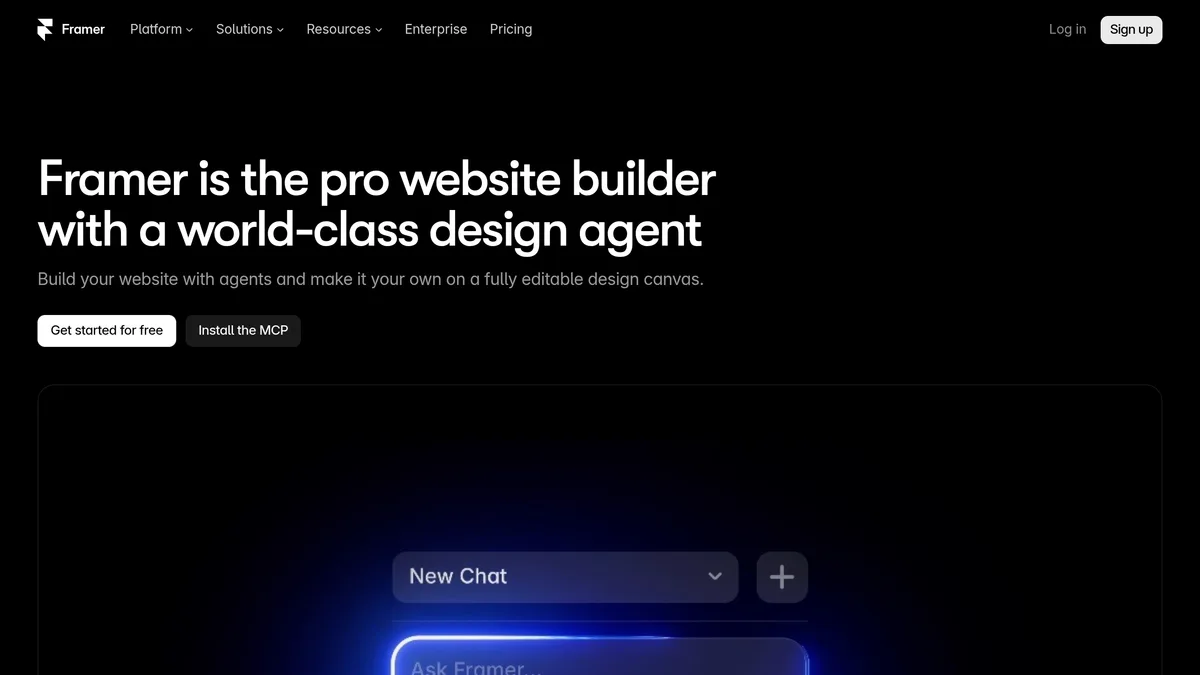
Framer AI is an agent built into the Framer website builder. You describe a site, page or update, and it creates editable pages, sections, copy and visuals on the Framer canvas, which you then refine by hand. This review covers what the agent does, how its credit system and pricing work, and who it suits.
What Framer AI does
According to Framer’s AI page, the agent is not a separate generator that hands you a finished export. Its output lands in the normal Framer editor, so layouts, typography, components, breakpoints, spacing, colours and effects stay editable. Features listed there:
- Site and page generation from a prompt. Pages, sections, copy and visuals.
- CMS management. The agent can create collections and fill them with content.
- Custom code components. You describe an interaction or live feature, and the agent builds a component you can review and connect to your design system.
- Pre-publish review. It checks for contrast problems, typos, missing alt text, SEO gaps and inconsistent styles, then helps fix them.
- Analytics help. It reviews traffic, top pages, drop-offs and conversion gaps and suggests next steps.
- Imports and live data. Content can come from Notion, WordPress, other APIs or local files.
- Controls. You can add canvas layers as context, reference pages with
@mentions, upload files or URLs, choose a model (GPT, Sonnet, Opus or Fable) and keep agent edits on branches. - Skills. Reusable instructions for the agent, such as design-system, cms-content, remove-ai-writing and seo-check.
External agents, including Claude Code, Cursor and Codex, can also connect through Framer MCP.
Recent changes
Framer’s updates page lists three recent agent changes:
- 12 November 2026: the agent can generate images, textures and illustrations, edit uploaded or canvas images (swap subjects, remove backgrounds, restyle) and create or modify shaders.
- 3 November 2026: the agent can create, edit and analyse funnels and A/B tests in Convert, Framer’s testing add-on.
- 2 November 2026: “Harness 2”, a rebuilt agent harness. Framer reports 2x fewer tool steps and 39% fewer cached input tokens per message.
Pricing and AI credits
Prices as of November 2026, from Framer’s pricing page. They change, so check it before buying.
| Plan | Price | Pages | CMS | Bandwidth | AI credits per month |
|---|---|---|---|---|---|
| Free | $0 | see note | 10 collections | 1 GB | 500 |
| Basic | $10 | 30 | 2 collections, 1,000 items | 50 GB | 1,000 |
| Pro | $30 | 150 | 10 collections, 2,500 items | 100 GB | 3,000 |
| Enterprise | Custom | Custom | Custom | Custom | Custom |
Notes from the pricing page:
- The page says billing is monthly, or yearly at checkout. It does not state the yearly discount in the part we could read.
- The Free plan’s page count is given as 1,000 in the FAQ.
- Free-plan credits are described as being for trying Agents, and they are only granted to workspaces without an active subscription.
- Pro has extra capacity at a price (for example more pages, collections and bandwidth), and Pro Experts use 50% fewer agent credits per prompt.
- Extra seats cost $20 per month for an editor and $10 for a content editor. Viewers are free.
- Add-ons include translation locales at $20 per locale and Convert at $50 per 500,000 events.
- Agents and other AI features consume credits, and more can be added at any time. Framer does not say in the text we read how many credits a typical prompt uses, so it is hard to judge from the page how far 500, 1,000 or 3,000 credits go.
Strengths
- Editable output. The result is a normal Framer project, not locked generated code.
- Review and analytics in one place. The pre-publish check and traffic analysis sit next to the editor.
- Choice of models. The agent lets you pick between several models.
- Works with outside agents. MCP access lets developers drive Framer from their own tools. The pricing page says the MCP server is free during preview on all plans.
Limitations
- Credits cap usage. Heavy iteration can use up a monthly allowance, and the cost per prompt is not published in the sources we read.
- A paid plan is needed for a custom domain and larger sites. Check the pricing page for what each plan includes before building something you plan to keep.
- No independent testing here. This review is based on Framer’s own pages, so claims about speed or quality are the company’s, not verified results.
Who should use it
Framer AI suits marketers, founders and designers who want a first draft of a landing page quickly and then plan to adjust it visually. It also fits teams that already use Framer’s CMS and want help with content and checks. If you only need a single simple page, compare it with the tools in our guide to the best AI landing page builders.
Verdict
Framer AI is a sensible choice if you want AI help inside a full design and publishing tool rather than a one-shot generator. The free plan lets you try the agent before paying, and the credit allowances on Basic and Pro are the number to watch. Test it on a real page first and see how many credits it uses.


