Cursor Review: Is It the Best AI Code Editor?
Cursor is a coding agent for building software, and it is a strong pick if you want one tool that spans an editor, a command line and agents that run in the cloud. The catch in late 2026 is the pricing: Cursor now belongs to SpaceX, its plans are bundled with Grok, and models from other companies are billed by usage on top of the plan. Whether it is the best AI code editor depends on how you plan to pay for models.
This review sticks to what Cursor says on its own site: the pricing page, the docs, the changelog and its blog. It makes no claim about code quality or speed, because there is no testing behind it.
What Cursor is and who it is for
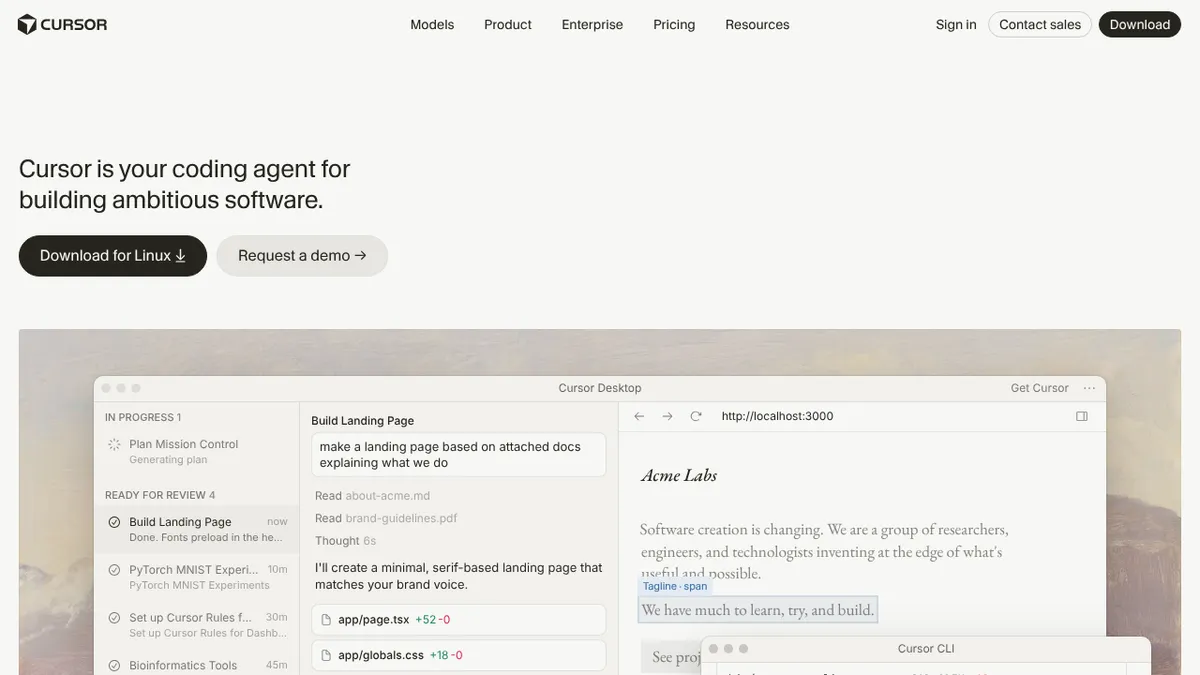
Cursor’s docs describe it as “a coding agent for building ambitious software”. You use it to understand a codebase, plan and build features, fix bugs and review changes. It started as an AI-first code editor, and the product now has several parts:
- Cursor Desktop, the app where you chat with agents and work on code.
- Cursor CLI, which runs the same agent from a terminal.
- Cloud agents, which work on their own machines and in parallel.
- Mobile, with an iOS app.
It suits developers and engineering teams who want to hand whole tasks to an agent and review the result. Beginners can use it too, but the plans and usage rules reward people who know which model they want.
Key features
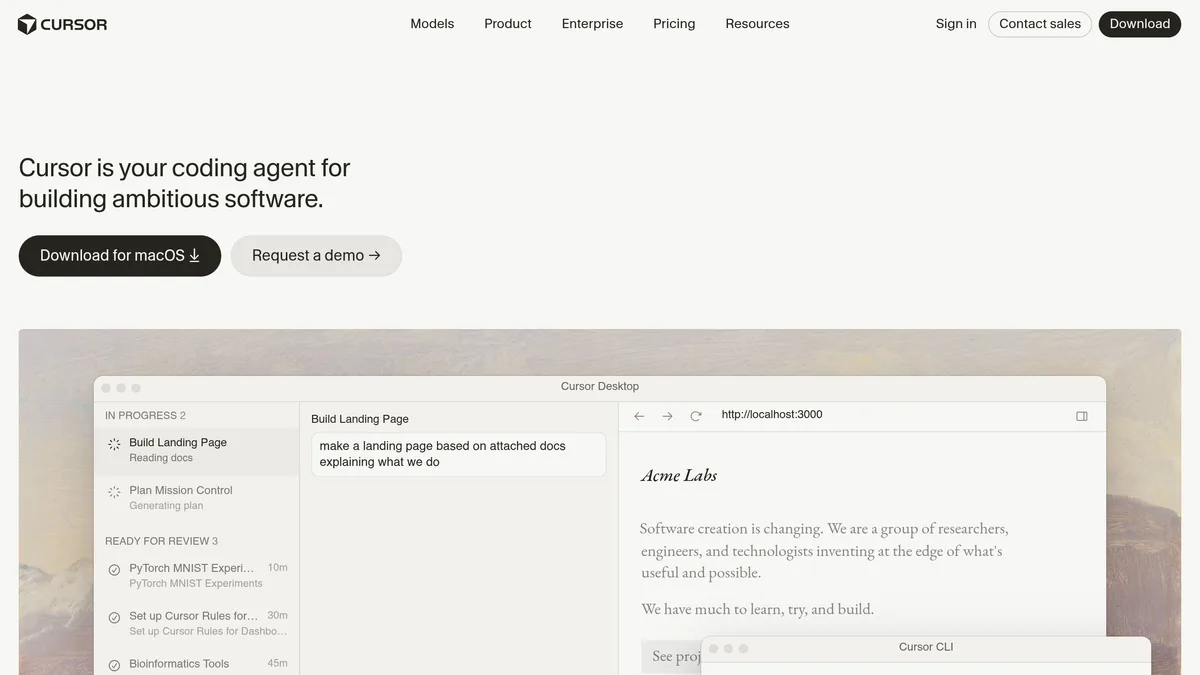
Agents. You describe a task, such as a landing page from attached documents or a fix for a file parser, and the agent works on it while you do something else. Cursor’s home page shows tasks moving from “in progress” to “ready for review”.
Plan Mode. The docs list planning as a separate step, so you can scope a change before the agent writes code.
Cloud agents. Cursor says cloud agents use their own computers to build, test and demo features end to end for you to review. On 16 October 2026 the changelog added canvases: cloud agents can build interactive canvases that you share with a link.
Live apps. The 5 November 2026 changelog says you can ask a cloud agent to build an app, and Cursor will scaffold it, set up a Postgres database if needed, put authentication behind Cursor sign-in and provision hosting. Before anything goes live it runs security checks, such as looking for secrets in app files, and you publish explicitly. Cursor says this is available on all paid plans with cloud agents enabled.
Voice chat. Since 6 November 2026 you can talk to agents in a realtime voice call. It runs on Grok Voice, and with Privacy Mode on it runs with zero data retention. This is separate from dictation, which turns speech into text.
Code review. Paid plans include AI code reviews through Bugbot, according to the pricing page’s comparison table.
Customisation. The docs cover rules, skills, subagents, hooks, plugins and MCP servers. If you want agents to follow your project’s conventions, this is where you set them.
Integrations. The docs list GitHub, GitLab, Azure DevOps, Bitbucket, Slack, Linear, Jira, Notion, JetBrains and Xcode.
Agent SDK. Released on 20 October 2026, it lets you define an agent as a folder of code, test it with evals and deploy it to Cursor or your own infrastructure.
Models
The docs list models from several companies, including Claude, Gemini, GPT and Grok models, plus Cursor’s own Composer 2.5. The home page demo shows Grok 4.7 selected. The docs also give context sizes, for example 256k for Grok 4.7 and up to 1M tokens for several Claude, Gemini and GPT models.
Pricing
As of November 2026, the pricing page lists these individual plans:
| Plan | Price | What it adds |
|---|---|---|
| Free | $0 a month | Limited AI usage, limited agent requests |
| Plus | $8 a month | An introductory plan with a shared usage pool; Grok models only |
| Premium | $30 a month | 4x the usage of Plus, cloud agents and automations, code hosting, Bugbot reviews, third-party models at API list price |
| Super | $100 a month | 15x the usage of Plus, priority model access at peak times |
| Ultra | $200 a month | 50x the usage of Plus, earliest access to products and models |
| Teams | From $30 per user a month | Pooled usage, centralised billing, usage analytics, SSO |
| Enterprise | Custom | Invoice billing, SCIM, audit logs, granular spend controls |
Three details matter more than the headline prices:
- Plans are shared with Grok. The page says every tier includes a pool of AI usage shared across Cursor and Grok, and the page’s feature list also mentions X features such as a premium checkmark. You are buying a bundle, not a Cursor-only subscription.
- Other companies’ models cost extra. Plus includes Grok models only. Premium and above include usage of Grok models but no allowance for third-party models, which stay available in Cursor at API list price. You can set spending caps.
- Usage refreshes weekly. If you reach your included usage you can buy top-ups or wait for the allowance to refresh.
Cursor recommends Premium for new AI users, Super for daily agent users and Ultra for power users. Prices exclude taxes.
Strengths and limitations
Strengths
- One agent across desktop, terminal, cloud and mobile.
- A wide model choice, including Claude, Gemini, GPT and Grok.
- Privacy Mode, which Cursor says guarantees code data is not used for training by Cursor or its model providers.
- Fast release pace: the changelog shows major features on 13 October, 16 October, 20 October, 5 November and 6 November 2026.
Limitations
- Pricing is harder to predict than a flat subscription, because third-party models are billed by usage on top of the plan.
- The plans are bundled with Grok and X features you may not want.
- The company is now owned by SpaceX. Cursor’s own post of 14 August 2026 says it “has officially been acquired by SpaceX”, and the pricing page’s Grok focus shows where its models are heading. Whether that matters depends on how much you care which models write your code.
- Some of the newest features, such as live apps, need a paid plan with cloud agents.
Who should use Cursor, and who should not
Cursor fits you if you want to delegate full tasks to agents, work in a team that needs SSO and usage analytics, or like switching between models. It is also worth a look if you want an agent that works from your terminal as well as an editor.
You may prefer something else if you want a flat monthly price with no usage billing, or if you only need inline suggestions in an editor you already use.
Alternatives
Our comparison of Cursor, Codex and Windsurf sets the three out side by side. For a wider list, see the roundup of best AI coding assistants, and the GitHub Copilot guide if you want to stay inside GitHub.
Verdict
Cursor is one of the most complete AI coding tools on paper: agents on desktop, terminal, cloud and phone, many models, and a steady stream of releases. Its weak spot is cost clarity. Start with the Free plan to see whether the workflow suits you, then compare the plan price with what you would pay in model usage before you commit. Check the pricing page first, since both plans and usage rules have been changing.
FAQ
Is Cursor free?
Yes, there is a Free plan at $0 a month, but it has limited AI usage and limited agent requests, according to the pricing page.
Does Cursor use my code for training?
Cursor says that with Privacy Mode on, which you or a team admin can enable in settings, code data is not used for training by Cursor or its model providers.
Can I use Claude or GPT models in Cursor?
Yes. The docs list Claude, GPT and Gemini models. On Premium and above they are billed at API list price, not drawn from the plan’s included usage.
Who owns Cursor?
SpaceX. Cursor’s blog post of 14 August 2026 says the acquisition is complete.