Adobe Podcast Enhance Review: Fix Bad Audio in One Click
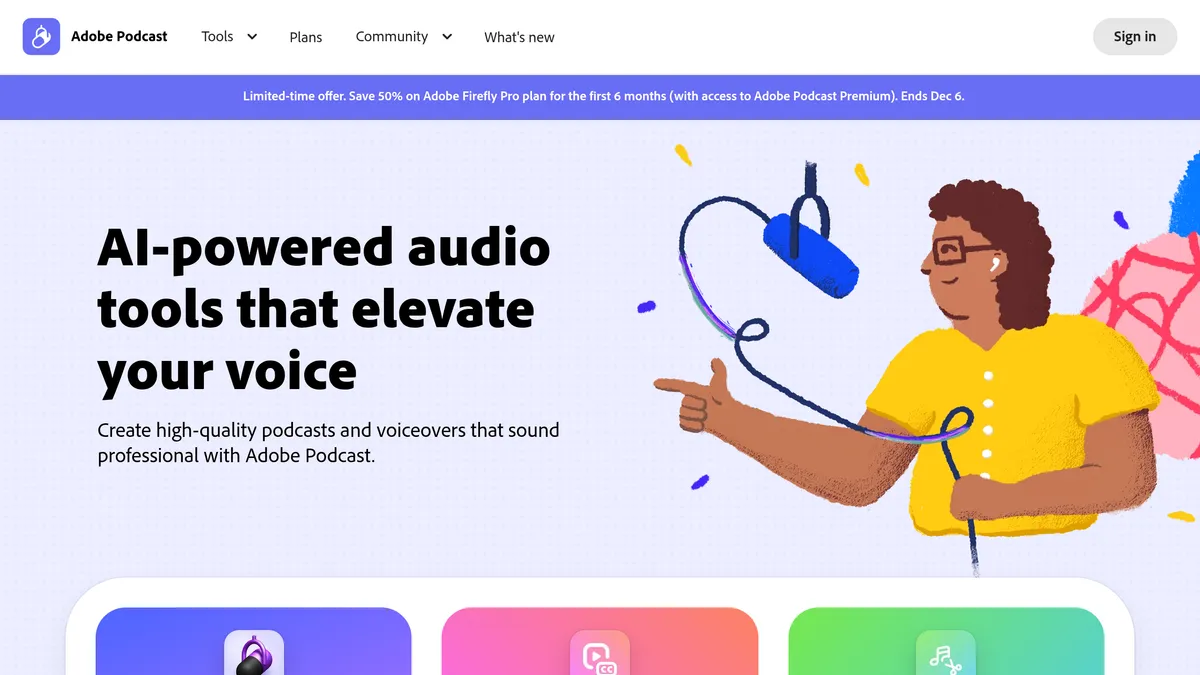
Adobe Podcast’s Enhance Speech is a web tool that uses AI to remove noise and echo from voice recordings, and it is free to use within daily limits. If you have an interview recorded on a laptop mic or a voice memo with room echo, you upload the file, wait, and download a cleaner version. This review covers what Enhance Speech does, what the free and Premium plans allow, and where it stops.
Adobe describes the tool as one that “fixes audio problems after the fact, no perfect mic needed”. It sits inside Adobe Podcast, which also contains a browser-based recording and editing studio.
What Enhance Speech does
According to Adobe’s own guide, Enhance Speech:
- reduces background noise and removes echo from voice recordings
- removes distortions such as pops, clicks and dropouts
- improves speech clarity and intelligibility
Adobe lists typical uses: recordings made on mobile devices, lower-quality mic or studio setups, remote interviews, old audio and uneven volume.
How you use it
- Open the Enhance Speech page on desktop or mobile.
- Click “Choose files” and pick an audio file.
- On Premium, set how strongly the audio is enhanced.
- Wait for processing; Adobe says it can take several minutes depending on file size.
Version 1 and version 2
Adobe offers two models. Version 2 is described as the newer, improved one, but Adobe says version 1 can suit some recordings better. Its suggestion for choosing is to run a clip of 30 seconds or less through both and compare.
Free plan vs Premium
The free plan lets you use Enhance Speech daily. Adobe’s features page lists these differences:
| Free | Premium (Firefly Pro) | |
|---|---|---|
| File types | Audio only | Audio and video (for example MP4, MOV) |
| Upload | One file at a time | Bulk upload with an automatic queue |
| Enhancement strength | Not adjustable | Adjustable |
| Limits | Files up to 30 minutes and 500 MB; 1 hour per day | Up to 4 hours per day; files up to 2 hours and 1 GB |
Premium is no longer sold as a separate plan: Adobe Podcast’s plans page now offers it through the Adobe Firefly Pro plan, which also includes 4,000 generative credits a month and premium features in Adobe Express. In November 2026 the page showed US$9.99 a month, under an offer of 50% off Firefly Pro for the first six months that ends on 6 December 2026. Firefly Pro’s regular price is US$19.99 a month. A free trial is available; check the plans page for its length and your local price.
Advanced source separation (Premium)
Adobe’s March 2026 update added advanced source separation, available only on Premium. Instead of one processed track, you control speech, background noise and music separately. It includes a music slider to rebalance or mute background music, and you can download separate stems for speech, noise and music to edit elsewhere.
That matters for video and podcast work where background music or ambience is part of the recording and you want to turn it down rather than lose it.
The Studio beta
Adobe Podcast also includes Studio, currently labelled beta. It records, edits and enhances in the browser, supports remote audio and video recording, and can import one file per participant into a single project with a unified transcript. The free plan limits Studio downloads to projects up to 30 minutes and two per day, according to Adobe’s features page. Premium removes those limits.
Strengths and limitations
Strengths
- Free to try daily, with no software to install.
- Works on a finished recording, so you can rescue a file you cannot re-record.
- Premium, through Firefly Pro, adds strength control, video files and stems, and comes with Firefly credits.
Limitations
- The free plan is audio only, one file at a time, and capped at 30 minutes per file.
- The strength of the effect cannot be adjusted on the free plan.
- Processing can take several minutes.
- Adobe itself advises recording in a quiet space with the best mic you can, so it is a repair tool rather than a replacement for decent recording habits.
- Some users on Adobe’s community forum have complained about the limits on paid plans; those are user opinions, not Adobe’s terms.
Who should use it
Enhance Speech suits you if you have spoken-word recordings with noise or echo and you want a quick clean-up without learning an audio editor. Premium is more relevant if you work with long files, video, or batches.
It is a weaker fit if you need full editing control. For that, compare the tools in our guides to AI podcast editors and AI audio cleaners. Our posts on Auphonic and Cleanvoice AI cover two alternatives.
Verdict
Adobe Podcast Enhance Speech does one job: it cleans up spoken audio quickly, and the free tier is enough to find out whether it works for your recordings. Move to Premium only if you hit the daily or file limits, or need video support, strength control or stem separation. Test version 1 and version 2 on a short clip first.
FAQ
Is Adobe Podcast Enhance Speech free?
Yes, within limits: audio files up to 30 minutes and 500 MB, and 1 hour per day, according to Adobe’s features page.
What is the difference between version 1 and version 2?
Version 2 is Adobe’s newer model. Adobe says version 1 may suit some recordings better, so compare both on a short clip.
Can it enhance video files?
Adobe lists video support (MP4, MOV and more) as a Premium feature; the free plan is audio only.