n8n vs Make: Which Automation Tool Should You Use in 2026?
Choose Make if you want the quickest start, a polished visual builder and ready-made connections to more than 3,000 apps, and your workflows are short or run a few times a day. Choose n8n if your workflows have many steps or run often, if you want to self-host for free, or if you are building AI agents and want to see and control every step.
The difference that decides most cases is how they charge. Make counts every step a workflow performs. n8n counts each run of the whole workflow, however many steps it has. For a five-step automation that runs once a day, that barely matters. For a twenty-step automation that runs every few minutes, it changes the bill completely.
n8n vs Make at a glance
| n8n | Make | |
|---|---|---|
| What you pay for | Executions: one run of a whole workflow | Credits: most steps in a run cost 1 credit |
| Free option | Self-hosted Community edition (you run the server) | Cloud Free plan with 1,000 credits a month |
| Cloud trial / entry plan | Free trial with 1,000 executions; Starter from €20 a month (billed yearly) for 2,500 executions | Paid plans start at 10,000 credits a month |
| Native integrations | 500+ | More than 3,000 apps |
| Self-hosting | Yes (Docker) | No, cloud only |
| AI agents | Yes, with human approval steps, guardrails and evaluations | Yes, Make AI Agents with goals, tools and limits |
| Custom code | Yes | Yes (JavaScript or Python) |
| Best for | Technical users, heavy or AI-driven workflows, data control | Beginners, marketers and creators who want many apps ready to connect |
n8n
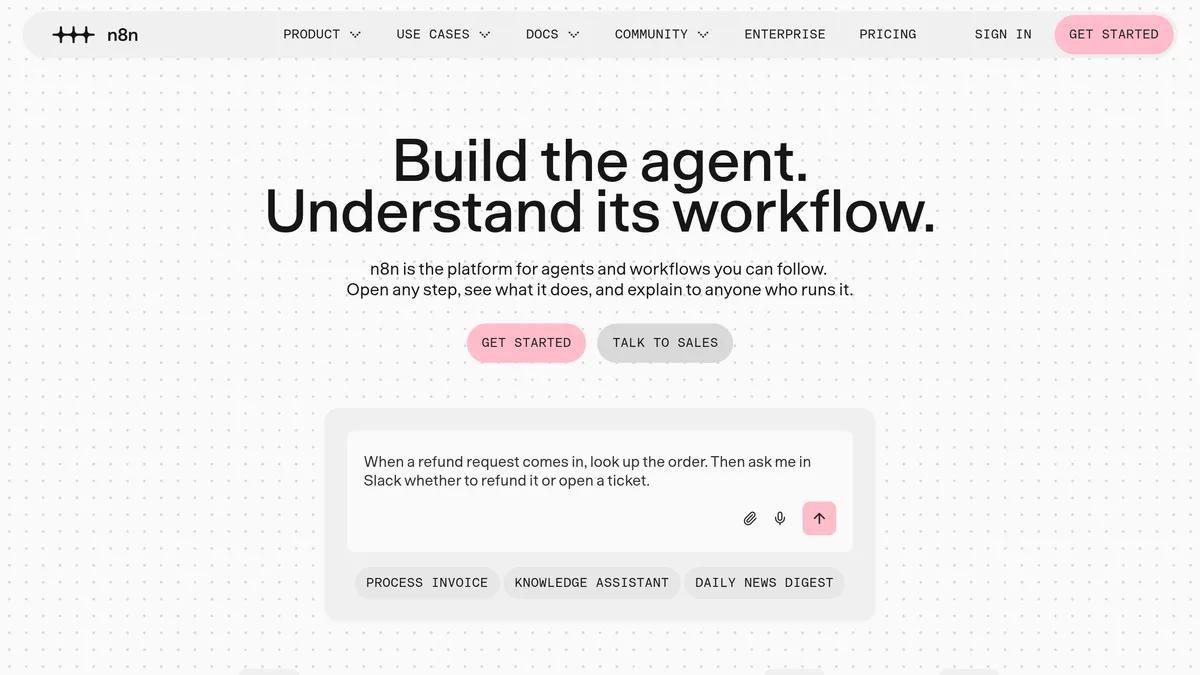
n8n describes itself as “the platform for agents and workflows you can follow”. You build workflows from nodes on a canvas, and you can open any step to see exactly what data went in and what came out. When a node does not exist for a service, the HTTP Request node lets you call any API, and you can add code where the visual nodes are not enough.
You can use n8n in two ways:
- n8n Cloud, hosted by n8n, with paid plans and a free trial.
- Self-hosted: without a licence key, n8n runs as the free Community edition on your own server. The documentation lists Docker (or Docker Compose for production) as the way to install it.
The project is popular with developers: its site lists more than 209,000 GitHub stars and a community of 250,000+ developers.
One change to know about: n8n 3.0 entered beta on 27 October 2026, with the stable release expected in early December. It is mainly a reliability and security release, but it drops the npm installation method (self-hosting becomes Docker-based) and removes some legacy nodes. Version 2.x keeps getting security and critical fixes for 12 months after 3.x is stable, and recent 2.x versions include a migration report that flags workflows needing changes.
Make
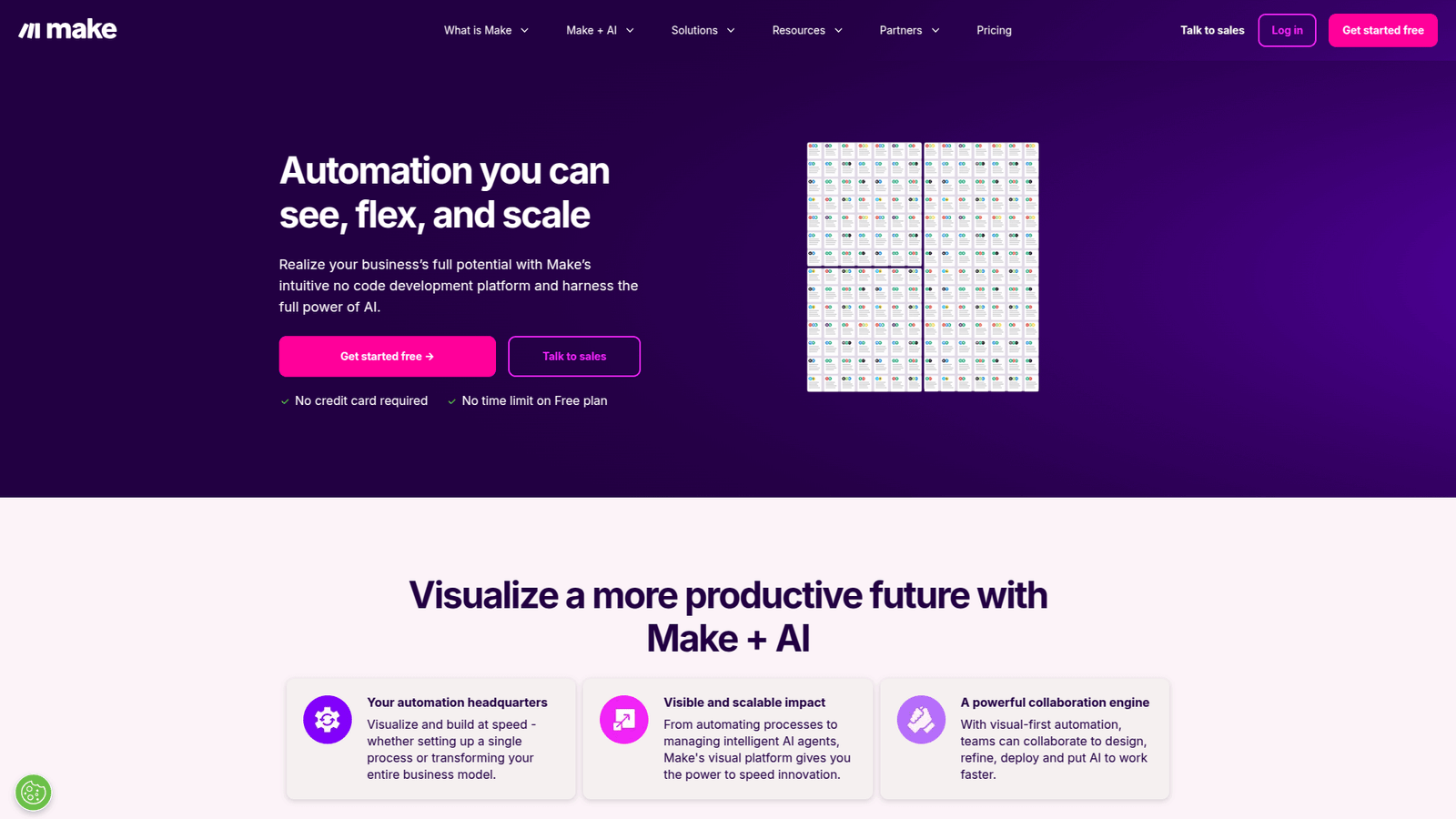
Make calls itself an AI automation platform. It is known for its visual builder, where a workflow (a “scenario”) is a chain of round modules you connect by dragging. You can also build by describing what you want in a prompt, or from Claude, ChatGPT or Gemini through Make’s MCP server. JavaScript or Python is available when you need custom code.
Make’s main strength is breadth: the site lists more than 3,000 native app integrations, and it says over 500,000 teams use it. For many common tasks, such as posting to social accounts, adding rows to Google Sheets or sending a Slack message, there is already a ready-made module, so you rarely need to read an API’s documentation.
Make is cloud only; there is no version you install on your own server. Since 27 August 2025 its billing unit is called credits instead of operations. For ordinary apps one operation still equals one credit, but AI features that use Make’s own AI provider can use more credits, based on actual AI usage.
How the pricing really compares
n8n Cloud (from n8n’s pricing page as of November 2026, billed annually, which n8n says saves 17%):
| Plan | Price | Executions a month | Notes |
|---|---|---|---|
| Free trial | €0 | 1,000 | No credit card; Pro features with some limits |
| Starter | €20 a month | 2,500 | 5 concurrent executions, unlimited users and workflows |
| Pro | €50 a month | 10,000 | Workflow history, admin roles, more shared projects |
| Business | €667 a month | 40,000 | Self-hosted only; SSO, Git version control, environments |
| Enterprise | Contact sales | Custom | Log streaming, extended retention, SLA support |
n8n’s rule is simple: “An execution is a single run of your entire workflow.” The number of steps and the amount of data do not change the count. The self-hosted Community edition has no execution limit from n8n, but you pay for and maintain the server yourself.
Make (also as of November 2026): the Free plan includes 1,000 credits a month, and scheduled scenarios can run at most every 15 minutes. Paid plans (Core, Pro and Teams) start at 10,000 credits a month and can run scenarios more often, down to every minute; the price depends on how many credits you buy and whether you pay monthly or yearly, so check Make’s pricing page for the current figure. Most steps cost 1 credit. Routers and error handlers cost nothing. Unused credits expire at the end of the billing term.
A worked example
Take a workflow with 8 steps that runs every hour: 24 runs a day, about 720 runs a month.
- Make: 720 runs × 8 steps = about 5,760 credits. Too much for the Free plan, comfortably inside the smallest paid plan.
- n8n Cloud: 720 executions. Fits the Starter plan’s 2,500.
Now a 20-step workflow that runs every 15 minutes: about 2,880 runs a month.
- Make: 2,880 × 20 = about 57,600 credits, so a much larger credit tier.
- n8n Cloud: 2,880 executions. Just over Starter, inside Pro’s 10,000.
Watch out for loops in Make: when a step processes a list item by item, each item counts. Ten new rows passing through four steps cost forty credits, not four.
Head-to-head: what actually decides it
Ease of use
Make is the gentler start. Its modules are named after apps and actions, the builder shows each bundle of data clearly, and the large integration library means less configuration. n8n is approachable for simple flows too, but you meet JSON data and expressions sooner, and its strengths (code, HTTP calls, self-hosting) assume some technical comfort. If you have never built an automation, Make will get you to a working scenario faster.
Cost at scale
For short, infrequent workflows, both are cheap and Make’s Free plan may be all you need. As steps and frequency grow, n8n’s per-execution model is usually cheaper, and the self-hosted Community edition removes per-run fees altogether in exchange for running a server.
Integrations
Make wins on ready-made connectors (more than 3,000 against n8n’s 500+). n8n narrows the gap with its HTTP Request node, but using it means reading the service’s API docs and handling authentication yourself.
AI agents
Both now treat AI agents as a core feature. n8n focuses on control: connect any model, follow every decision, and add human approval, guardrails and evaluations. Its Cloud plans include AI models you can use without your own API keys. Make AI Agents let you set a goal, give the agent tools and limits, and see its reasoning. If you use Make’s built-in AI provider, AI steps can cost more credits than ordinary steps; with your own OpenAI or Anthropic connection, you pay the AI provider directly.
Data control and hosting
If data must stay on your own infrastructure, n8n is the only one of the two that allows it. Make is cloud only; it lists encryption in transit and at rest, SSO, GDPR and SOC 2 Type II compliance for teams with security requirements.
Which is better for social media automation?
Typical creator and marketing workflows include posting a new video to several platforms, saving every post’s link to a sheet, turning a blog post into captions with AI, or sending a weekly report. These usually have under 15 steps and run a few times a day, which suits Make well: the cost stays low and the social platforms you need probably already have modules.
n8n makes more sense when the same work grows: many accounts, frequent checks (for example every five minutes for new comments or mentions), or AI steps that generate and review content for many items at once. There the per-execution pricing, or a self-hosted server, keeps costs predictable.
Which one to choose
- You are new to automation: Make.
- You are a creator or marketer with a few daily workflows: Make, starting on the Free plan.
- Your workflows are long, frequent or loop over many items: n8n Cloud.
- You want unlimited runs and can manage a server: self-hosted n8n.
- You are building AI agents that need approvals and close monitoring: n8n.
- Your data must stay on your own servers: n8n (self-hosted).
If neither fits, Zapier is the other big name in no-code automation, Activepieces is another open-source tool you can self-host, and Relay.app adds human approval steps to simple workflows. For assistants that handle multi-step tasks on their own, see Lindy AI.
FAQ
Is n8n better than Make?
Neither is better overall. Make is easier to learn and has more ready-made integrations; n8n is more flexible, can be self-hosted and is usually cheaper for workflows with many steps or frequent runs.
Is n8n free?
The self-hosted Community edition is free: you run it on your own server and pay only for that server. n8n Cloud has a free trial with 1,000 executions, then paid plans from €20 a month billed yearly.
Is n8n or Make cheaper?
For small, infrequent workflows, Make’s Free plan (1,000 credits a month) can cost nothing. For long or frequent workflows, n8n is usually cheaper because it charges per run, not per step.
Which is easier for beginners?
Make. Its visual builder and large library of app modules let you build without touching code or API documentation. n8n rewards some technical knowledge.
Both let you start without paying: n8n with its free trial or the self-hosted Community edition, Make with its Free plan.